if you use it.body your heading is no longer surrounded by a block, so it can’t be sticky anymore. You need to either use it directly or surround your heading manually with a block again.
#show heading.where(level: 2): set align(center)
#show heading.where(level: 2): it => block({
  v(1.5em)
  text(
    size: 12pt,
    weight:"regular",
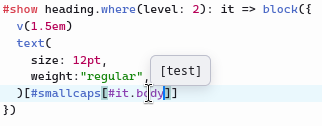
  )[#smallcaps[#it.body]]
})
Didn’t see that one coming.
It definitely works with #it. So thank you very much, problem solved !
I have a pretty noob question, though : what are the pros and cons of using #it or #it.body ?
I must admit I mostly used #it.body because I’d seen many people use it, without questioning the implications much.
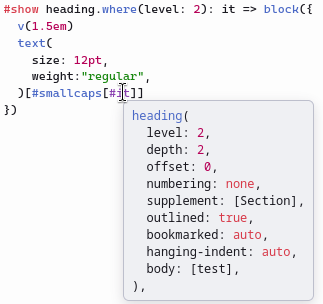
it is the element itself, in this case the full heading (and the name it is just a convention). If you hover over it in the Typst web application or in Tinymist you can see it’s content.
If you output the heading again (you use it) then other/older show rules for heading will also apply to that. Including the built-in rule that produces a block, and the numbering, and the title.
If you want to change how the numbering is placed, then you can’t use it. Because you want to place the numbering yourself, in a different way.
If you want previous show rules on heading to still apply, then you can’t use it.body. Because then there’s no old heading element left to run those rules on.