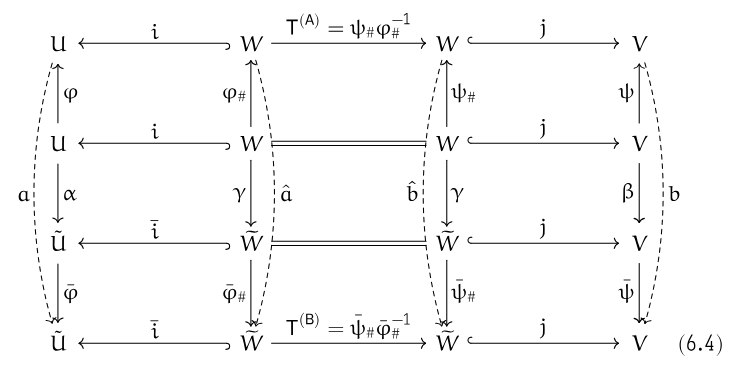
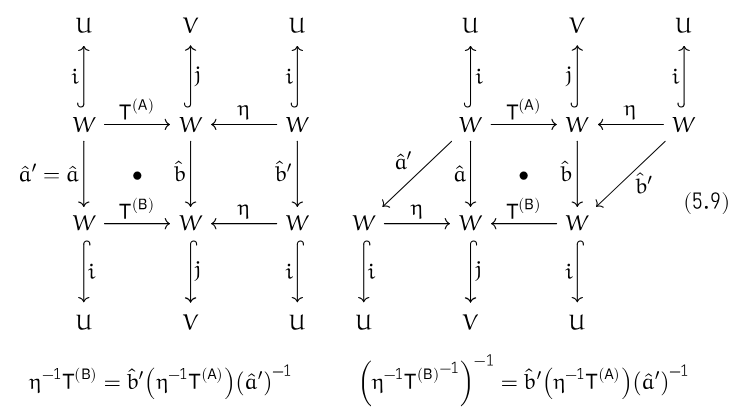
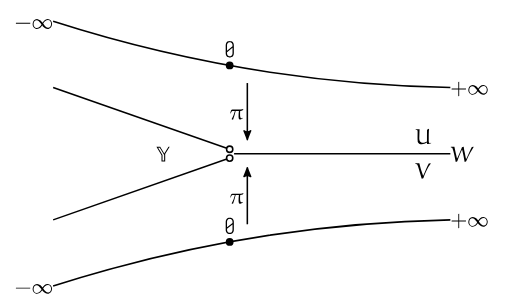
With thesis growing grew the RAM usage. Now it takes more than 30gb of DDR4 ram to work on the project (sometimes tinymiststart to use swap memory). At first, I tried to move all diagrams into separate file, but it did nothing to the RAM usage, if not made it worse.
Is there a way to write typst code more efficiently?
Is it a fletcher problem, or any other package with similar functionality will yield same high RAM usage?
This is no solution, just to explain: If you turn off tinymist - completely - and work with `typst watch`, after a few recompiles it will most likely show the same high memory usage (note here that it depends on what you change between edits, and how many recompile cycles). That would be a confirmation that the problem is with the in-memory caching for incremental compilation, which is a core typst feature (which tinymist takes advantage of by including the typst compiler).
For any programming people, when typst says incremental compilation, it’s entirely in-memory, which is surprising compared with for example compiling Rust. So incremental compilation mostly comes into play when using `typst watch` or `tinymist` (simplification).
How fletcher is implemented still has an impact of course. I would guess that any package drawing typst native graphics would have similar challenges, though.
As mentioned in that thread, a possible workaround would be to move fletcher diagram compilation to a separate step, so that they are just included as finished graphics into the main document (PDF or SVG possible).
To add to the above answer, there were some issues with memory handling in Tinymist which got fixed in yesterdays release v0.15.12. Probably worth trying out the new version, but your document will likely still need a huge amount of RAM.
I have no concrete data but as a Helix user, I have also felt like the Helix integration itself might also be less efficient compared to the others. Maybe this is not really an issue anymore after 0.15.2 or I was misattributing and mixing issues. Of course, fletcher itself is also not super efficient; this might improve once it updates to the newest cetz version internally. If it gets too bad still, I recommend exporting finished figures to PDF and importing them as PDF images.
I’ve encountered similar memory issues while developing Typsastra.
One workaround I implemented is Low-Memory Mode, which runs Tinymist only when needed, then terminates it while retaining the PDF preview and a lightweight navigation index. This sacrifices some live editing features but avoids keeping the compiler’s caches in memory.
I also implemented Draft Preview, which replaces expensive Fletcher/CeTZ diagrams and images with cached-size placeholders during editing, without modifying the original document.
Neither solves the underlying memory issue, but both help make large documents more manageable without manually converting diagrams to static images.