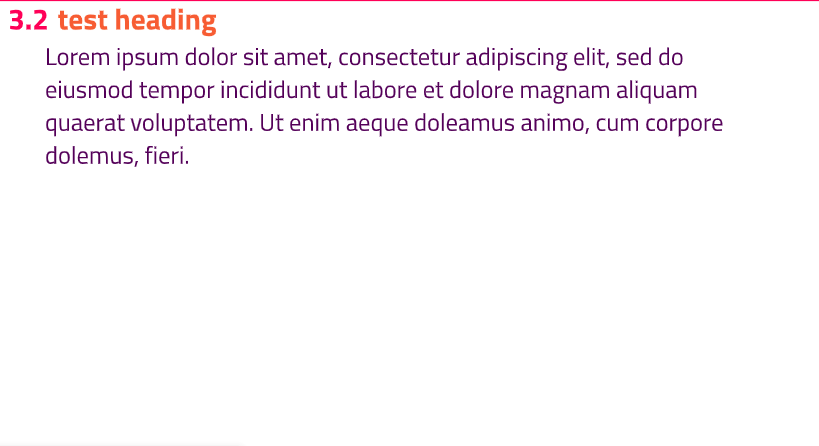
I’m creating a presentation with the touying university theme and have the following piece of code:
#show: university-theme.with(
// other code
 config-page(margin: (x: 2em, y: 4em)
// other code
)
changing the x value makes a difference in the layout, but changing the y value does absolutely nothing. There’s no other code that even remotely interferes with the layout margin/size (except aspect-ratio: “16-9”).
The reason why I want to do this is because I would like more space between the header and the body itself as it is too narrow for my liking.
First it merges page config with (margin: (x: 3em, y: 2.8em)), then it gets to (margin: (top: 2em, bottom: 1.25em, x: 2em)), and finally merges (margin: (x: 2em, y: 4em)). So…it’s basically how it is (how folding works in general).
Unless…you can somehow introduce “user-defined” markers, which you can then check and in these very niche use cases swap the precedence. This is probably very niche because there are not many if any values like these. That have “layers” with value and then x/y and then top/bottom/left/right. Though one thing I’m pretty sure, is that you’d always want it (user-defined config) to have higher precedence than built-in default or template defaults.
Oh, right, I guess you can check for the “higher layer” (more broad “selector”), and if you found one, it just overrides the lower layer, i.e., (top: 2em, bottom: 1.25em) will be gone if merged with (y: 4em).
Yeah, this actually makes more sense since passing a value instead of a dictionary already reverses the precedence, i.e., less specific (more broad) setting wins.
Thanks for the code suggestion, explanations and even the bug report! I was under the impression that it must be an user error, so I didn’t even consider the possibility of a bug
That being said, I’ve fixed my layout and learned something so that’s probably the best outcome possible. :)