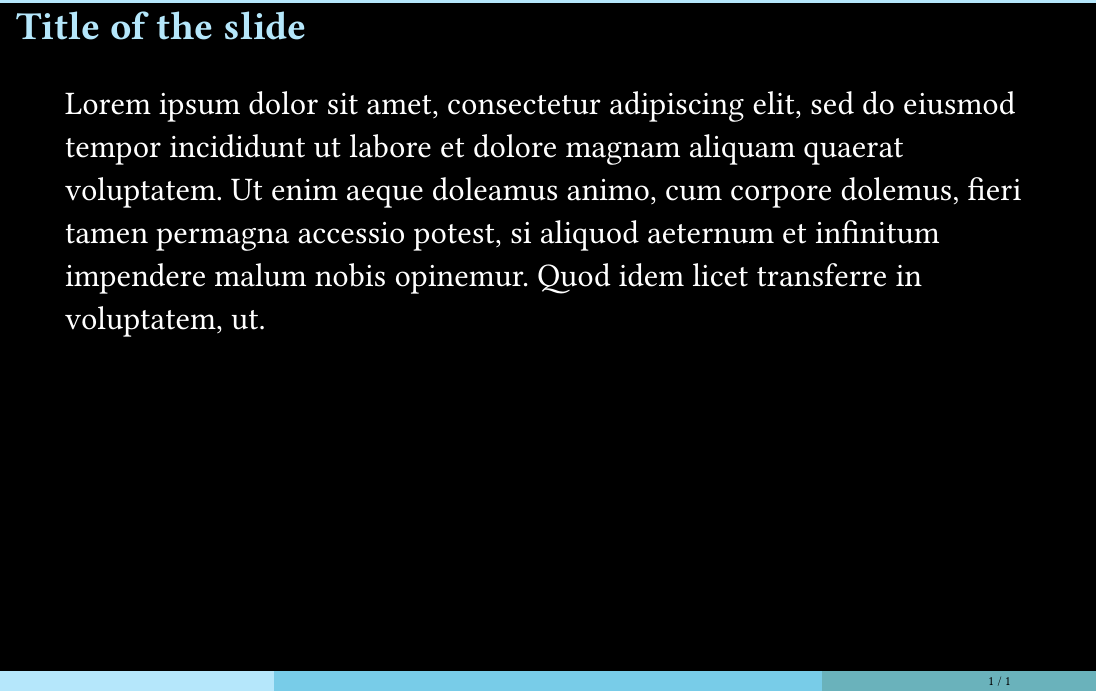
The experience was very nice, and then I wasn’t able to solve this problem: How to increase/adjust the vertical spacing after the title line of the slide? Currently, it’s too narrow (perhaps because I’m using aspect-ratio: "16-9" ?).
I know I should limit to one question per post, but just in case, how do you implement apsect-ratio: "16-10" ? Currently it’s not included and is an error.
Thanks! I looked at the docs. As you implicitly pointed out, the API isn’t easy to search unless you know how the package works. Since I learned the term “config-page” to search for, I was able to arrive at the relevant API. So, I’ve learned/guessed that
margin specifies the margins around the “page”.
The “page” is the body of the slide, excluding the slide title and the footer.
The slide title is probably in the header.
The “margins” are measured from the edges of the “paper” (? . . . I don’t know the Typst term for the area), not from the edges of the header and footer.
Projectors in seminar rooms are typically 16:10. . . . But, these days, online presentations are common and 16:9 may make more sense . . . But, for online viewers, Zoom and so on add elements at the edges of your computer screen . . . So, I’m going back and forth between 16:10 and 16:9 . . .