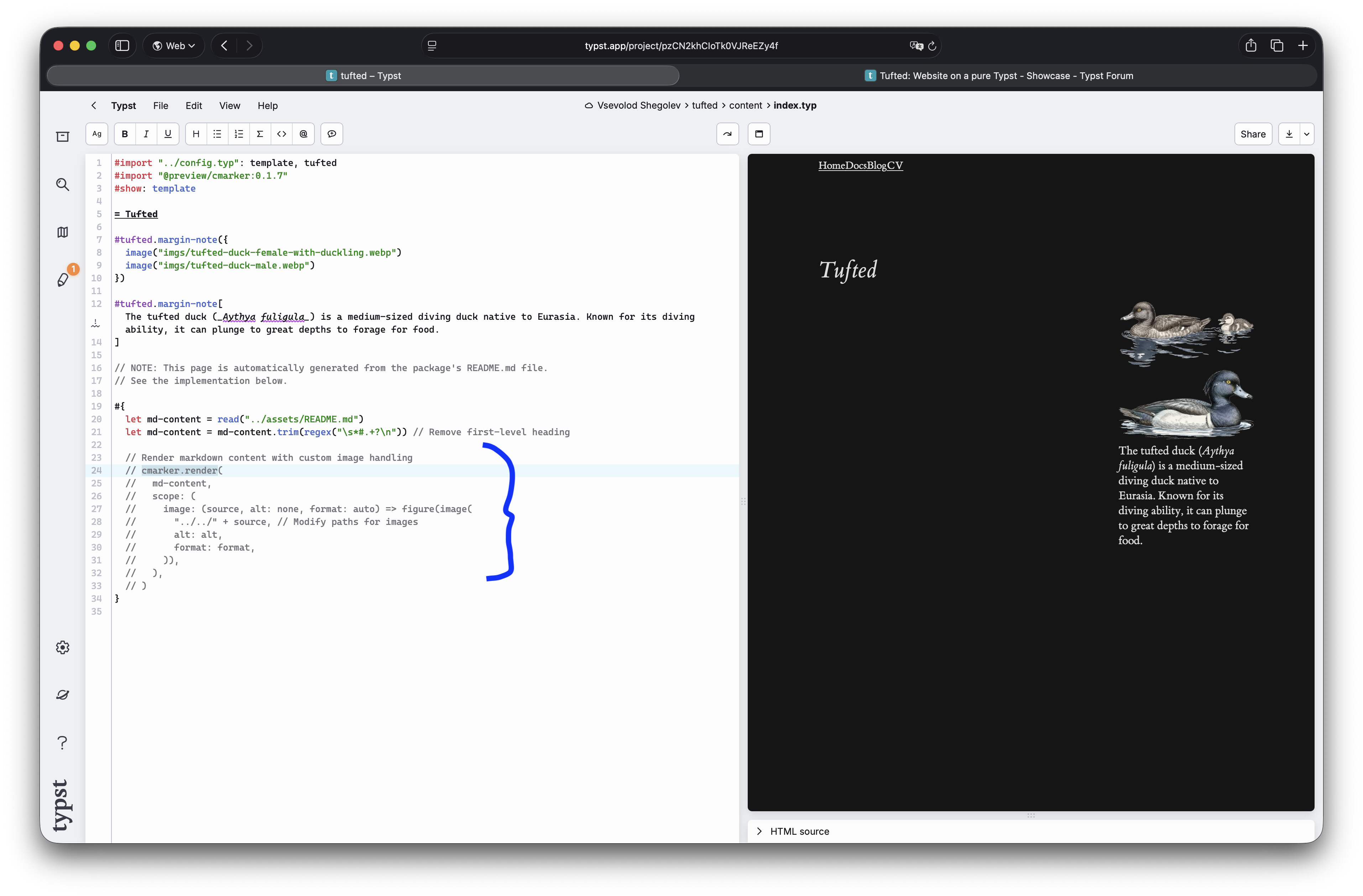
Hi, I’ve just made a Typst template called tufted for building static websites, such as blogs, lecture courses, CVs, docs, etc. You only need make to build it.
Following @talb’s observation, and as you likely know, I also noticed that block math equations (for example, in your blog post on the normal distribution) do not render correctly in Firefox 145.0.
Additionally, inspired by the package marginalia, I think it would be valuable if footnote—or margin note—markers were linked to their corresponding footnotes.
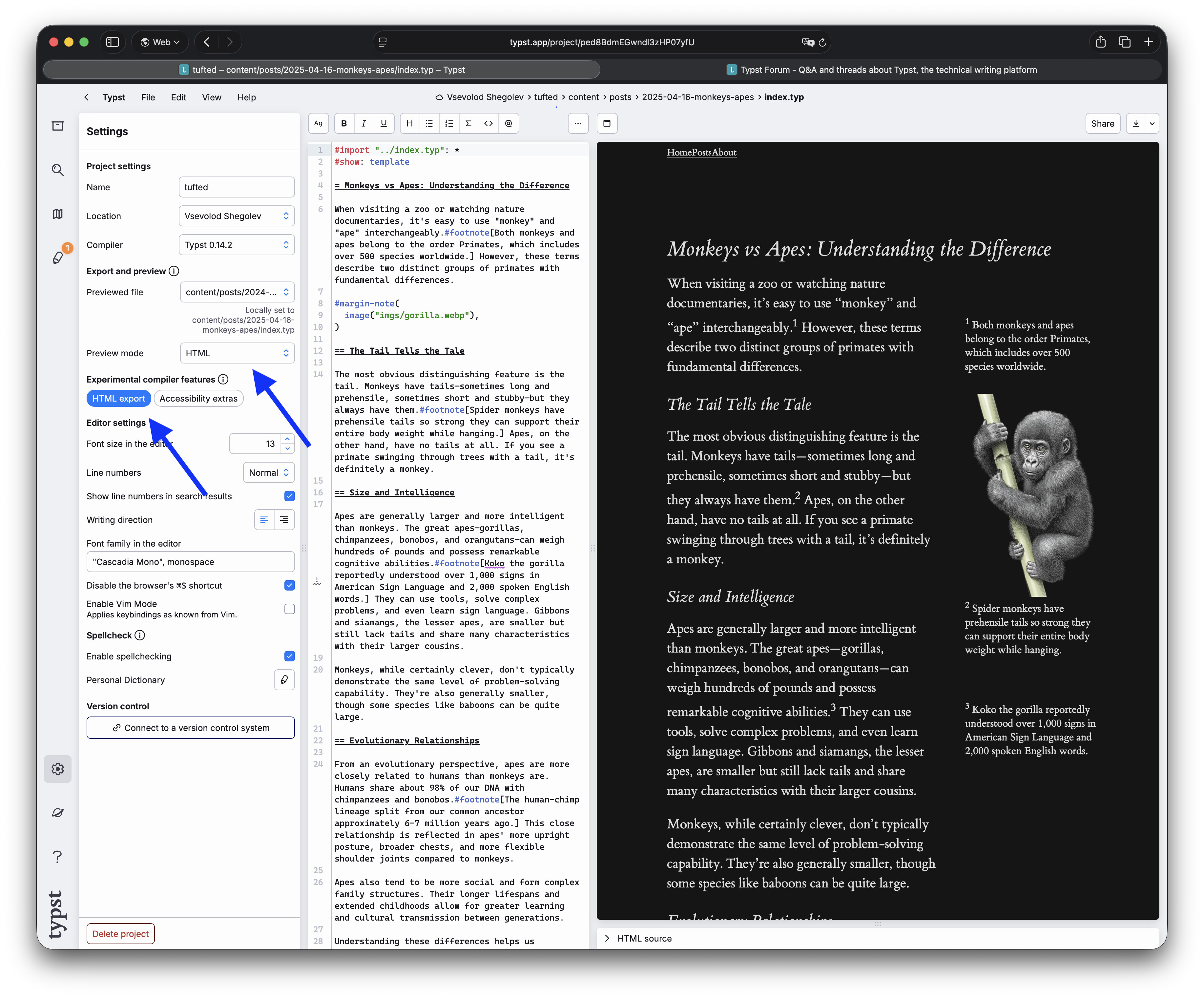
It seems that the problem with math rendering is caused by Firefox’s SVG rendering engine; it was previously reported. Firefox can’t correctly render SVGs scaled with CSS like this:
I use SVG scaling to make the math font size proportional to the main font size. I experimented with modifying the math font in Typst, but it seems that it’s currently not possible to reliably control the font size in html.frame with
#set text(size: 1.4em)
I’ll continue to investigate the problem.
About footnotes: did you mean that footnote labels should have clickable links to the footnote text? On desktop, the text floats on the margins right to the label, and on mobile screens, it is placed right after the label in a block. Could you please explain what behavior you would prefer?
Yes @v.sheg, I think it would be very useful if clicking on a footnote marker jumped directly to the corresponding footnote, similar to how references work. Also on desktop, footnotes—or better margin notes—and their markers are not necessarily aligned at the same scroll position, as, for instance, demonstrated in your blog post on monkeys vs apes:
Hi @antstei, I’ve deployed a preliminary implementation of footnote links and added a hover effect. You can test it. However, the styling needs some improvement
Thanks for the update, @v.sheg—I really like your preliminary implementation of footnote links and the added hover effect.
PS: One nice enhancement could be having clicking on a footnote marker highlight the corresponding footnote for a few seconds, and vice versa. Just let me know if you’d like me to contribute to this.
@antstei, I experimented with adding a delay to the hover effect using CSS, but it didn’t look very good. The interaction felt laggy as the cursor is moved, but the hover effect stays.
I’m uncertain if it’s feasible to control click events without JavaScript. I’m hesitant to incorporate JavaScript into the template. What are your thoughts on this?
This is really nice! I’m considering moving my blog to this sort of style and had a quick question:
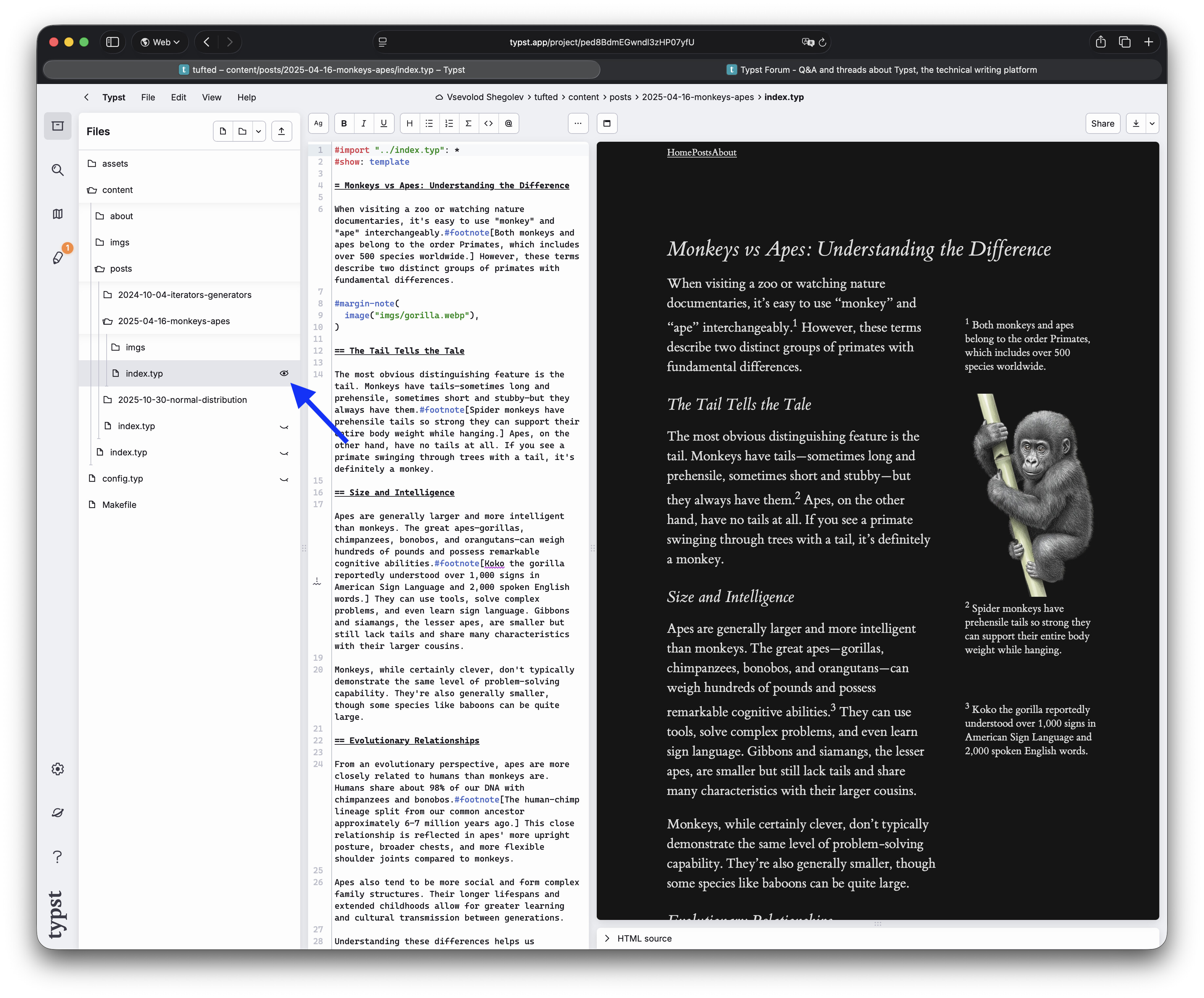
I opened this template on Typst (tufted – Typst Universe), and was wondering if it is possible to individually export/view blog articles on typst web ui?