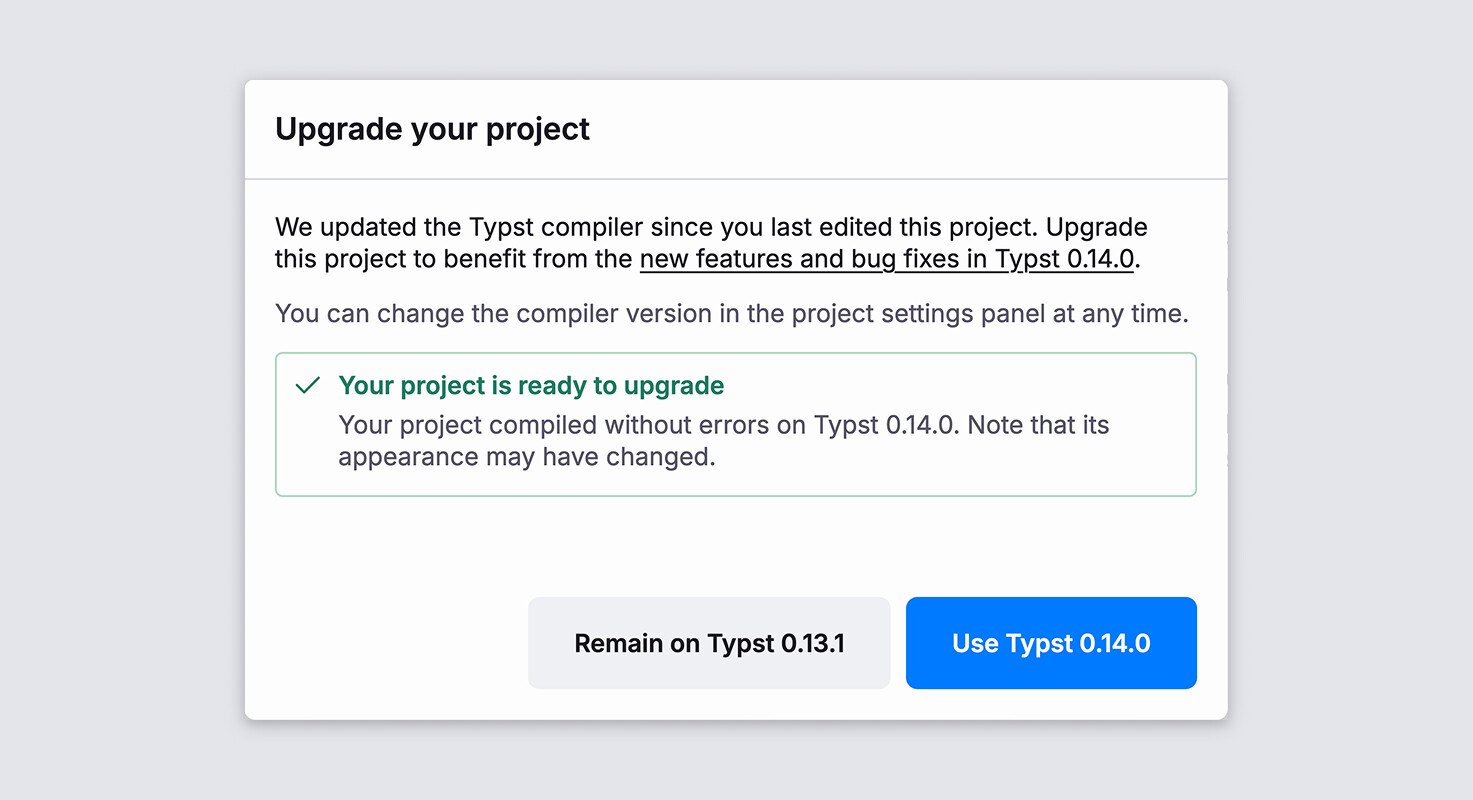
The new release is available everywhere now. Once you open a project in the web app, you will be offered to upgrade. Our new migration assistant will check if the upgrade causes any new issues with your document.
Command line users can use typst update, download the prebuilt binaries from GitHub, or install Typst 0.14.0 from crates.io or their package manager.
Typst 0.14 contains a few minor breaking changes and some deprecations. If you see problems with the new release, be sure to upgrade your packages. You can check Typst Universe for the latest package versions.
typst update
error: self-updating is not enabled for this executable, please update with the package manager or mechanism used for initial installation
@pantlmn The packages in package managers are not maintained directly by us (the team), so you’ll have to wait until the person responsible for the package in your package manager has updated it. Alternatively, you can download a prebuilt binary from our website.
Last but not least, we’re happy to announce that HTML export will soon come to the Typst web app. We’re still polishing up the implementation, but plan to ship it in the coming weeks.
So I switched my document to the new version and replaced:
angle.l by chevron.l
and
times.circ by times.o
But now however the Typst website requires me to close the tab of Typst and open it again to not throw an error.
Just a minor bug.
This was happening even long before. But not sure if there is an issue about it, since the bug might be about something else. And you need reproducible steps anyway. So yeah, with the web app, when in doubt — reload the page. I think I already posted about this a long time ago somewhere.
 0.13.1