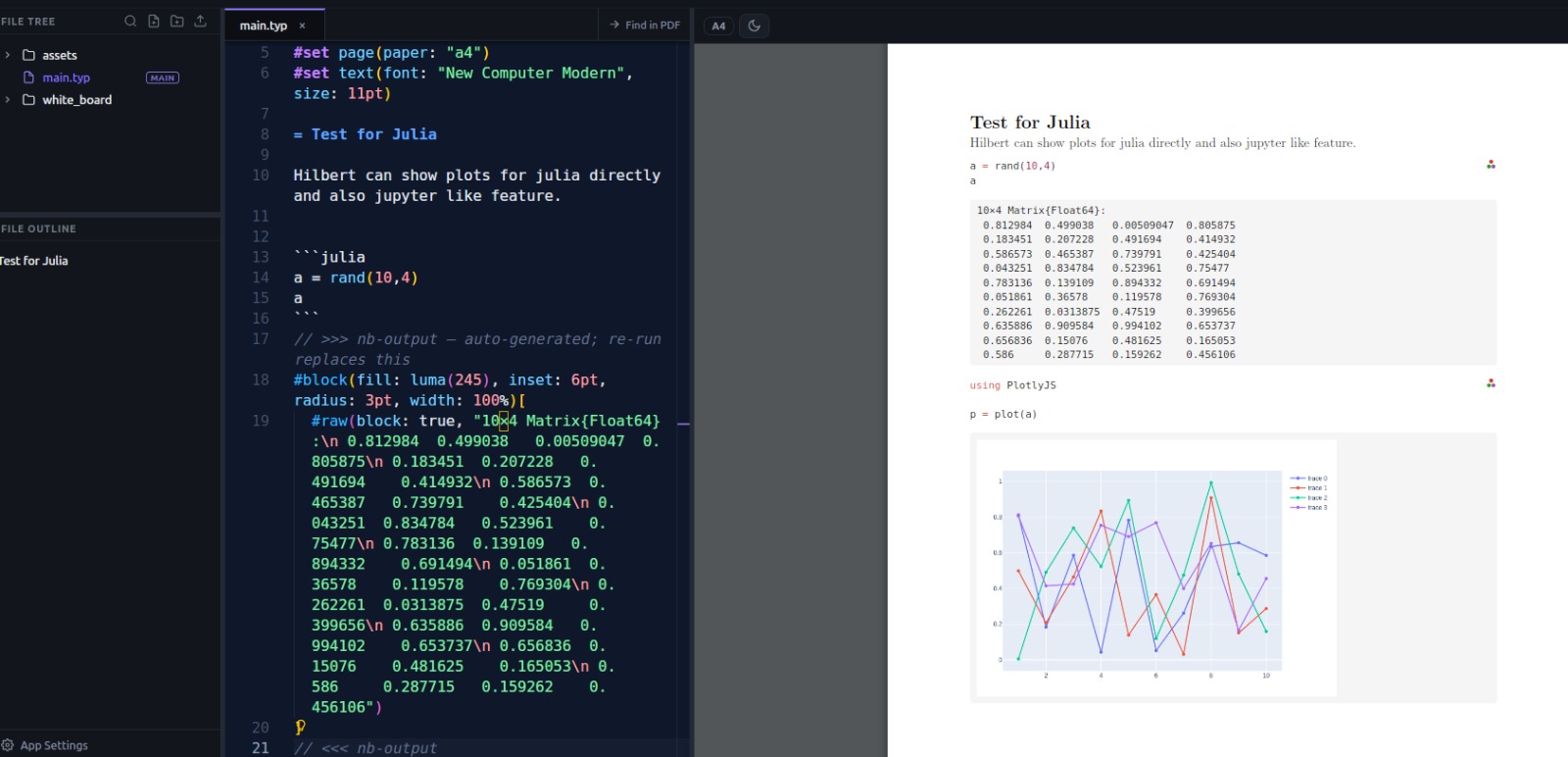
Hello everyone. I have build one offline editor for Typst, it is heavily effected by overleaf and it’s open-source. Feel free to give it a try. Also as a physics student, I have added things so that you can use mathematica, python and Julia if you have them in the system.
Features : https://youtu.be/77Ddg3bAP8s?si=h4i2TRH7STfdvDLz
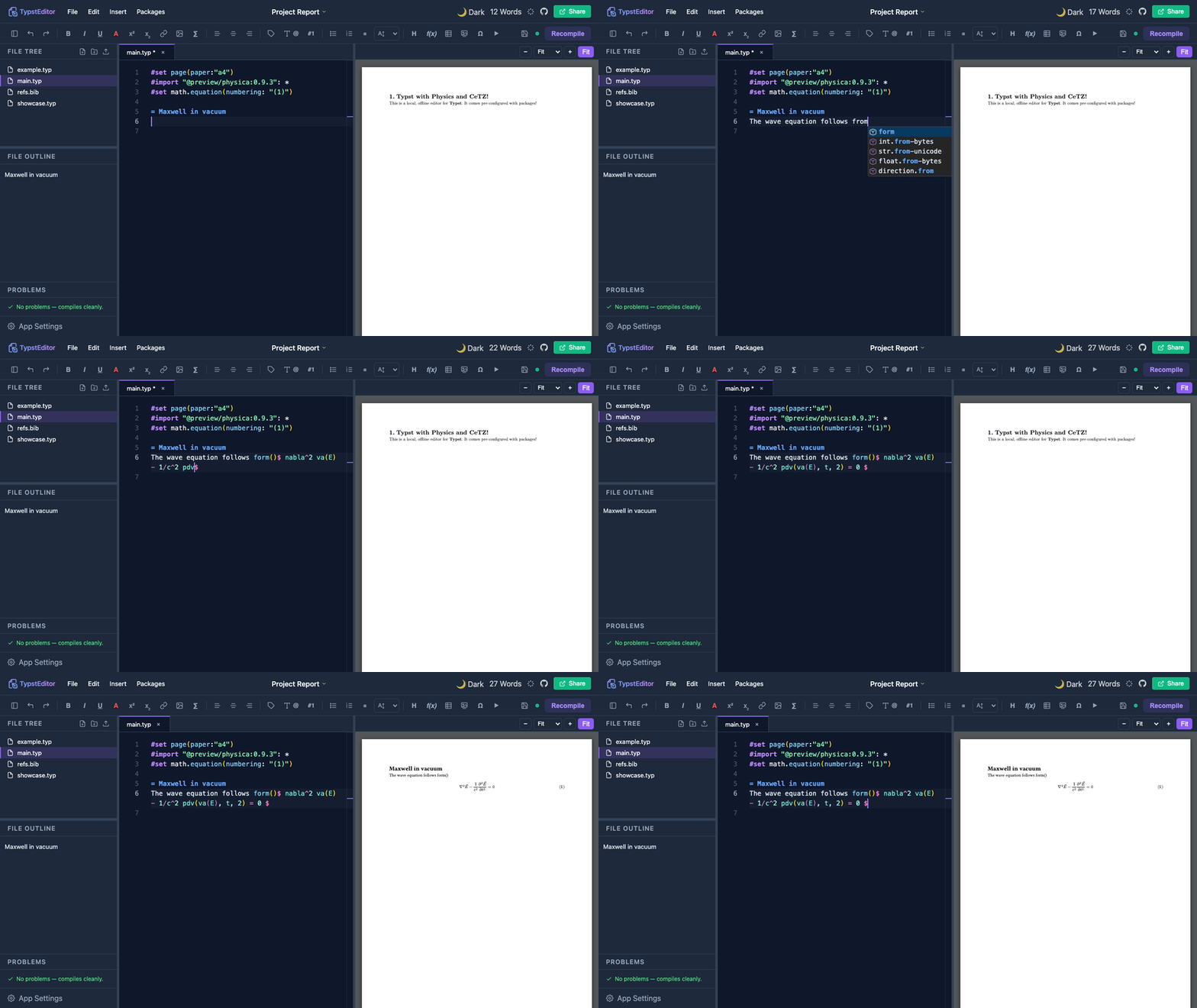
Live PDF preview with auto-recompile, zoom / fit-to-width, and double-click a word to jump to it in the source. Editor: Typst syntax highlighting , completions, cross-reference autocomplete, word count, file tree (create files & folders, upload images), outline, a clickable Problems panel, alignment shortcuts, and resizable panes.
Insert menu (grouped submenus): title block / author / institute / abstract, headings, inline / block / aligned / numbered equations, matrices, a math & physics symbol picker (physica), bullet & numbered lists, figures, images, tables, 2D/3D plots, code blocks, links, cross-references and labels — most with a center on page option.
Numbering on by default; toggle it on the heading/equation under the cursor with ⌘⇧N. Plots: 2D via cetz + cetz-plot, 3D surfaces via cetz (pure Typst) or Python/matplotlib.
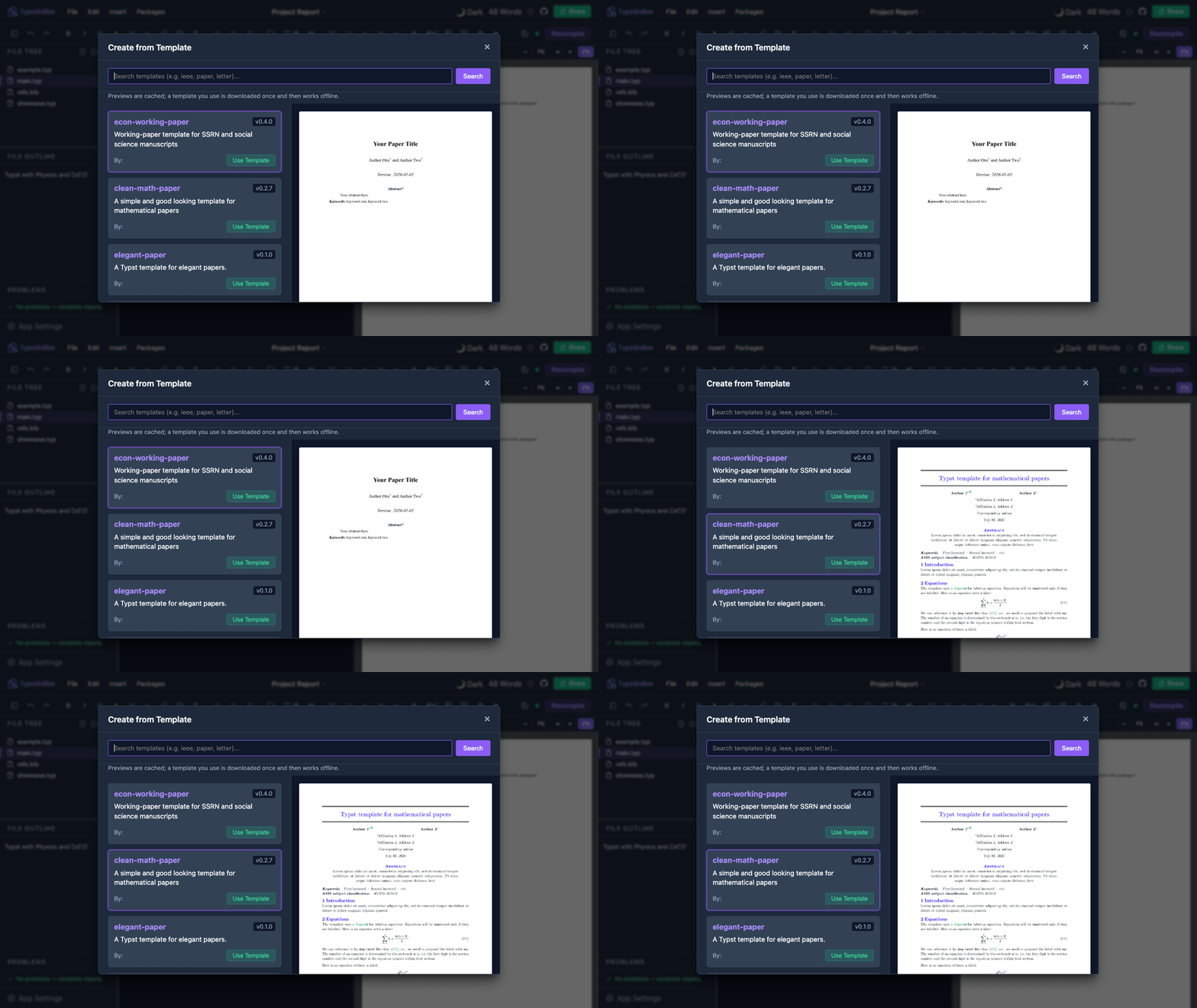
Run code → insert result (Insert → Compute): Python, Julia or Wolfram. Insert the text output, a generated figure, or — in Equation mode — write plain maths (e.g. D[Sin[x^2], x]) and get a typeset equation automatically (LaTeX via mitex). Templates from Typst Universe with a rendered preview.
Import data (CSV / JSON / YAML / TOML) — Insert → Import Data drops the file in and wires up the matching Typst reader.
 . Really sorry about that.
 .
.