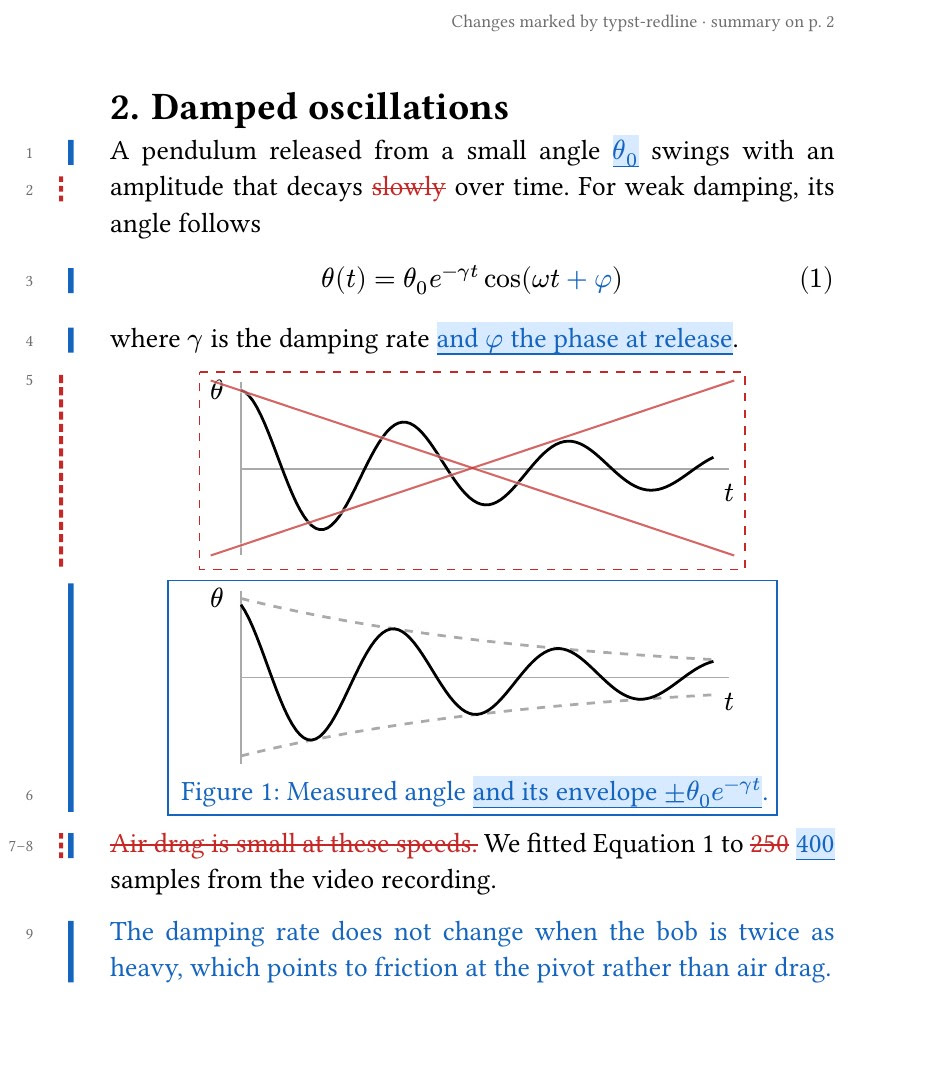
I vibe-coded typst-redline, which works similar to latexdiff but for typst. It compares different versions of a document and makes a PDF with the changes marked:
typst-redline paper.typ --since v1          # changes since a git tag, branch or commit
typst-redline old/paper.typ new/paper.typ   # or two files
Some features:
- A summary page lists every change
- An optional side-by-side layout, useful for slides that would otherwise overflow
- Mark changes for multiple commits in the same document
- A VS Code extension, to use it without a terminal
See gallery for examples.
There are other similar tools like typdiff and typst-diff. They differ a bit in how they look for changes and display them. Changes that are missed by one may be caught by another.