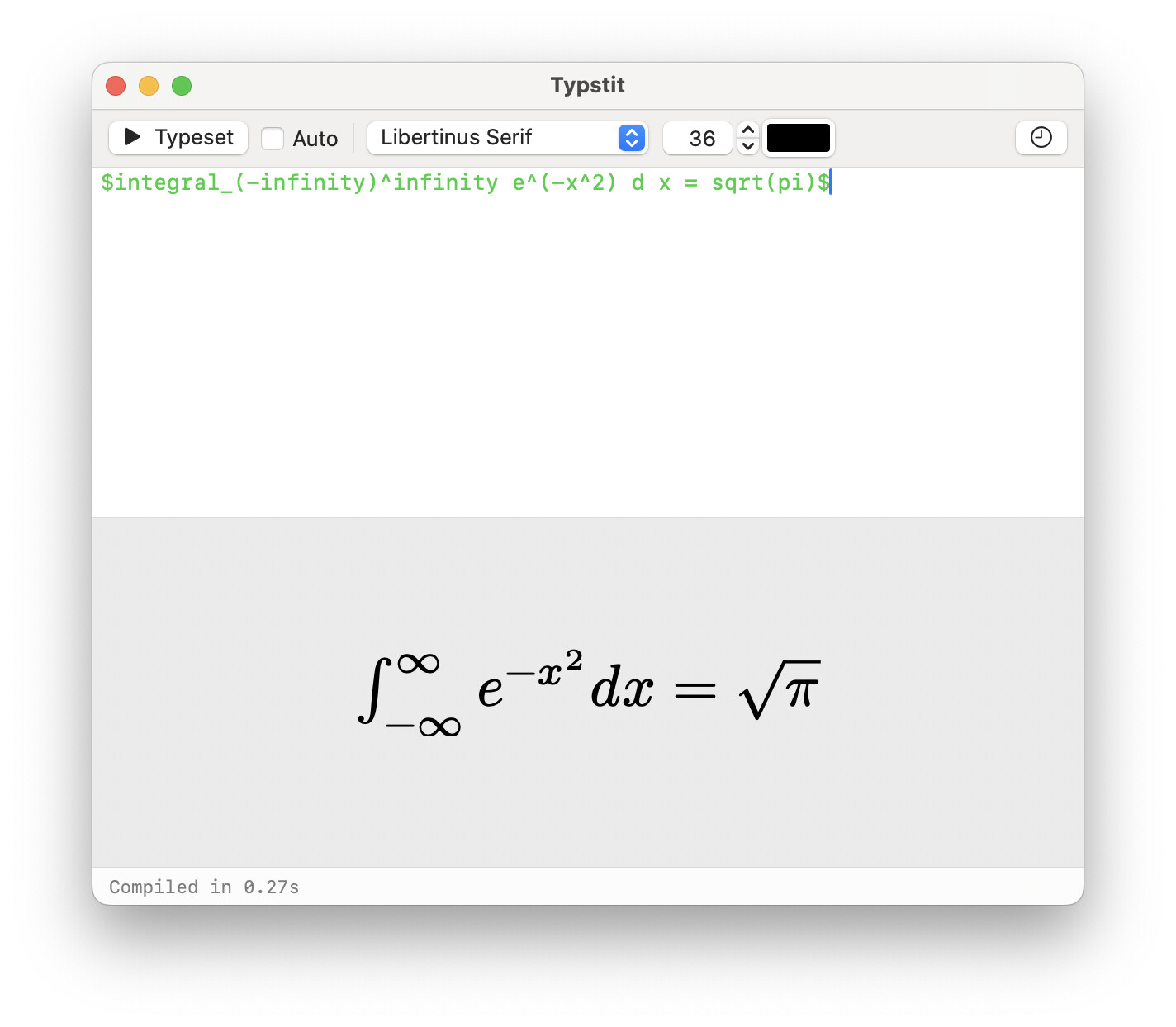
Write Typst code in the upper panel and click “Typeset”, and the compiled snippet will show up in the lower panel. You can then drag and drop it to any application that allows pasting in PDF (such as Keynote). LaTeX users may remember LaTeXit, which provided similar functionality.
The Typst source code is hidden in the generated PDF, so you can also copy Typstit-generated PDF and paste it back into Typstit, to continue editing the source code.
Typstit works on MacOS 13+. Give it a try and let me know what you think!
Having a small app to test out snippets of code locally before moving them into a large project will also be very helpful to the likes of me, a (long-retired) humanities person with no history of coding, but who finds Typst a great system for producing beautiful documents.
I have a feature request: allow editing in external editors. I have snippets that help me type formulas very fast but they can only be used inside neovim. A good way to implement this is perhaps to add an “import from file” functionality in Typstit, this way I can write to the file with any editor I want and then render with Typstit.
Indeed, your suggestion is spot on, copy and paste is what I do now! And I’m pretty happy with this. I have a file scratch.typ in a convenient location for this purpose exactly, haha.
For anyone who wants to enable a similar functionality to this app:
// You can define this template in a separate file and import it
#let template-scratch(doc) = [
  #set page(
    width: auto,
    height: auto,
    margin: 0pt,
    fill: none,
  )
  #set text(size: 180pt)
  #doc
]

#show: template-scratch

#[
// Maybe add some style, eg. #set text(fill: red), etc here
  $
    H eq ker \(f\)
  $
]
And then compile to, say, png format, and include it in your drawings, presentations, or whatever; the following is an example Procreate output. Procreate, being a raster-based tool, does not accept vector import, so a png attachment is used here. quotient-group.pdf (93.7 KB)