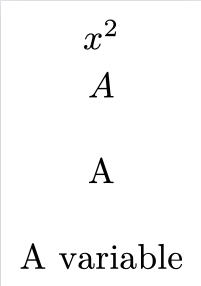
For computations involving graphs, it can be nice to be able to use graphs within actual equations. I know that can be done by having images of the graphs and embedding those within the equations, but is there a way to do this with graphs directly built in Typst?
As an example, I’ve tried the basic example below:
#set page(
  width: auto,
  height: auto,
  margin: 2mm,
)

#import "@preview/fletcher:0.5.8" as fletcher: diagram, node, edge, cetz
#import fletcher.shapes: circle, ellipse, cylinder, rect, chevron

$
  diagram(
    node((0, 0), [A])
  )
$
but it just returns the error:
Panicked with: “Failed to resolve coordinate: lr(body: sequence([(], [0], [,], , [0], [)]))”
for Cetz 0.3.4. I don’t know if this is a Cetz specific example or if this reflects the fact that placing content within equations is impossible.