Typst 0.15 added bundle export, and it is quite easy to write websites with bundle export. I created several sites in Typst, including a documentation framework.
Haita
Haita (https://wensimehrp.github.io/haita, repo: https://github.com/wensimehrp/haita) is a pure Typst documentation framework. You can define the structure in a .typ file, and the New Hamber renderer and Typst would generate the site for you, with dark mode support and minified HTML, all working without the need to install an extra program.
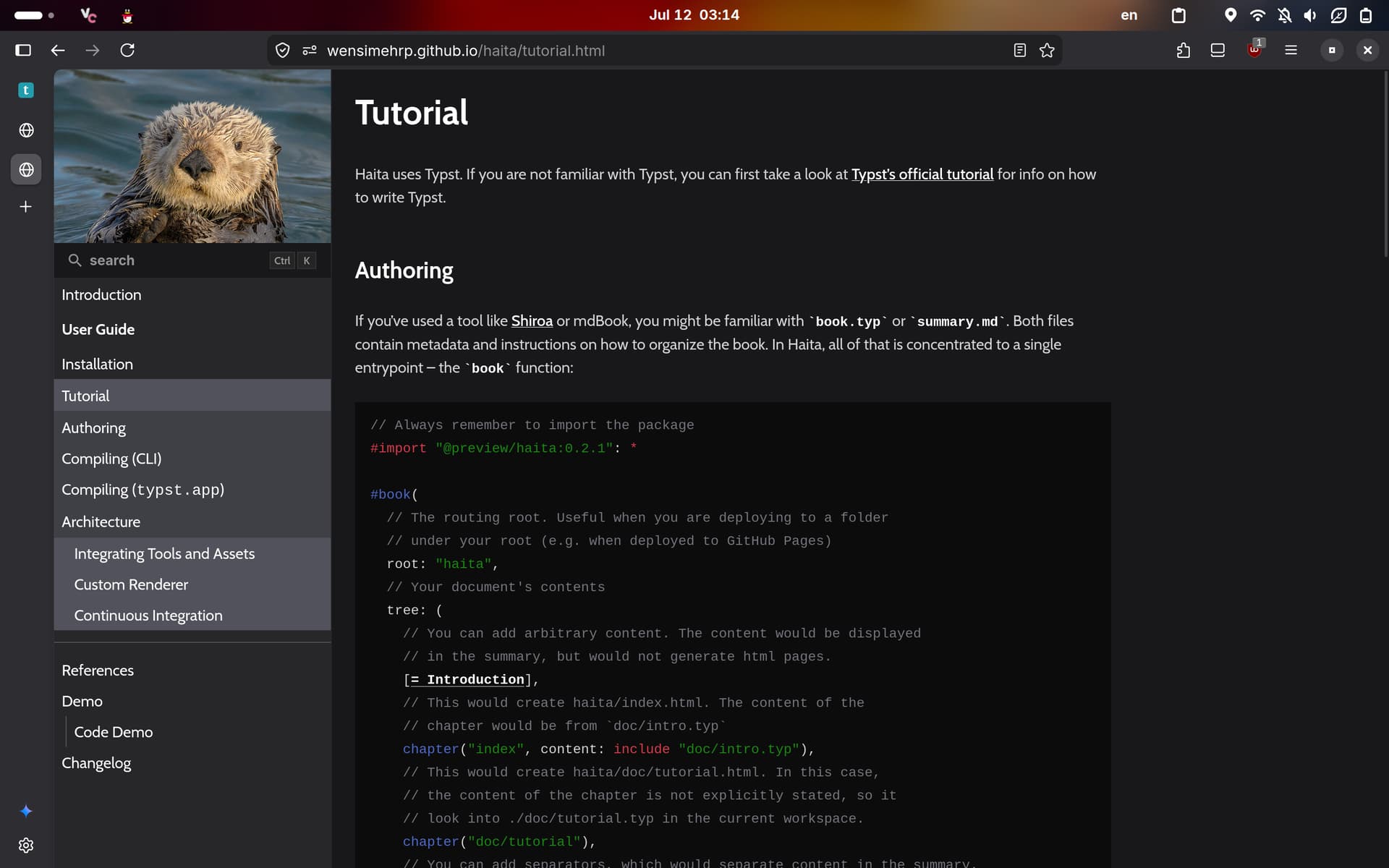
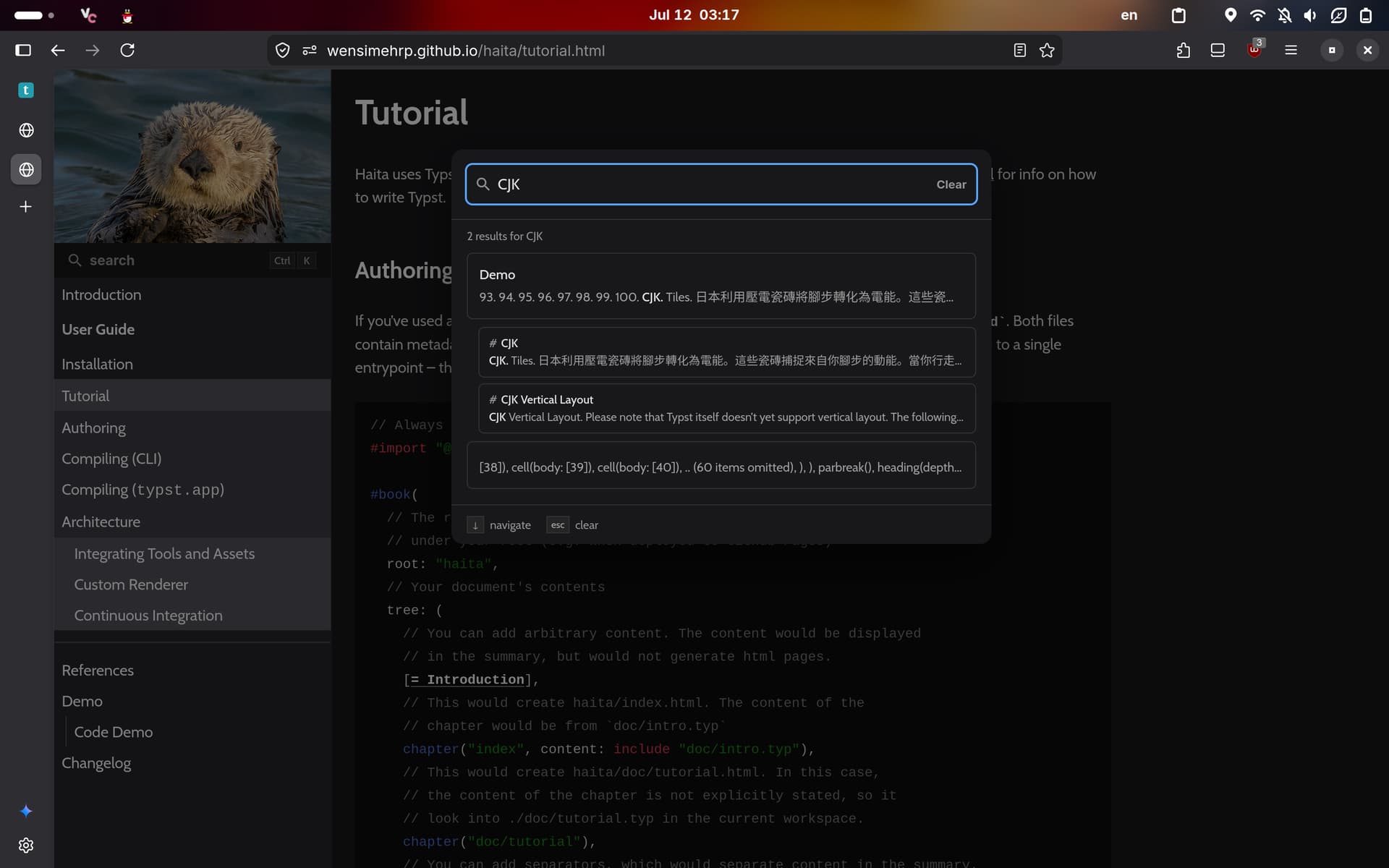
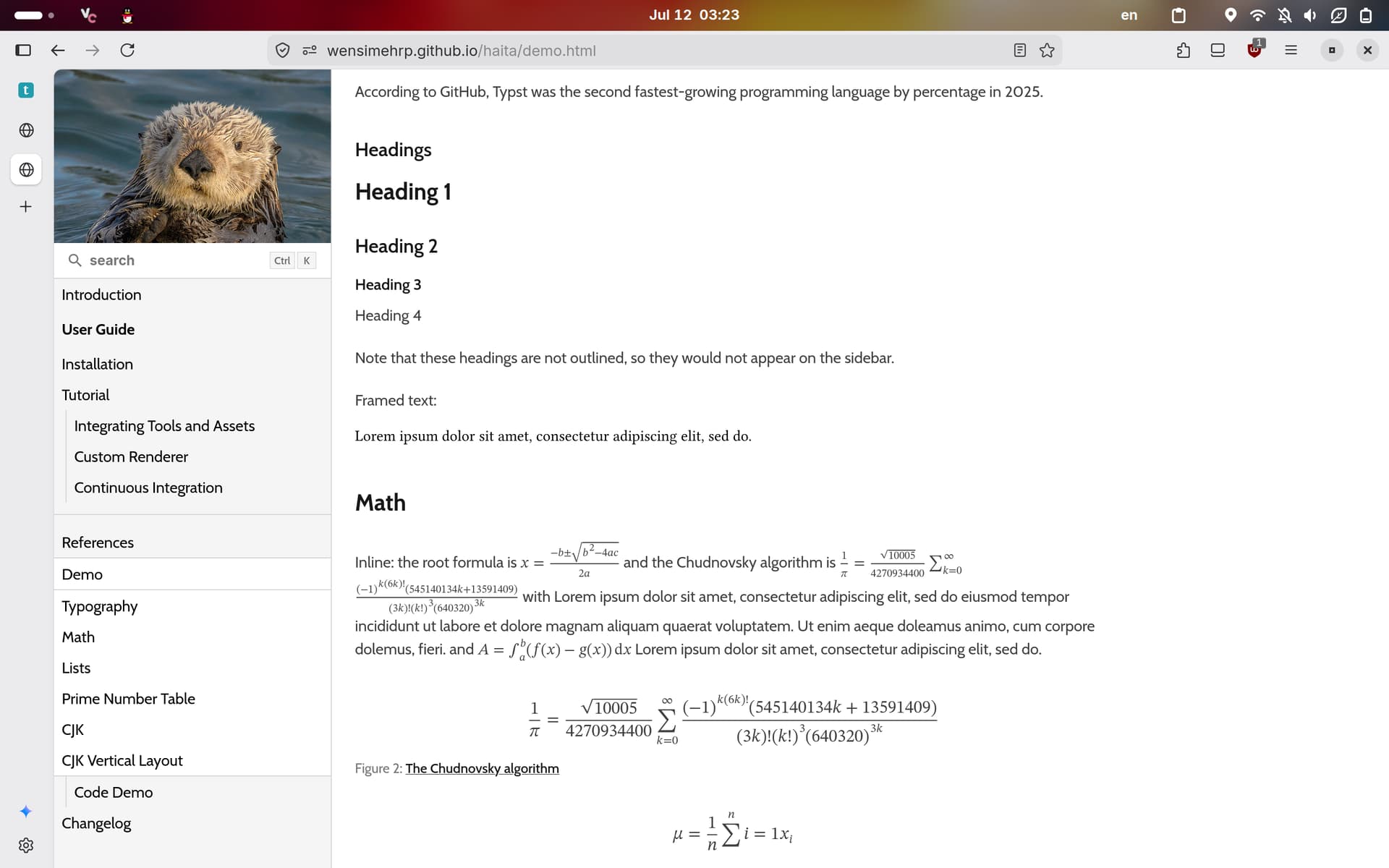
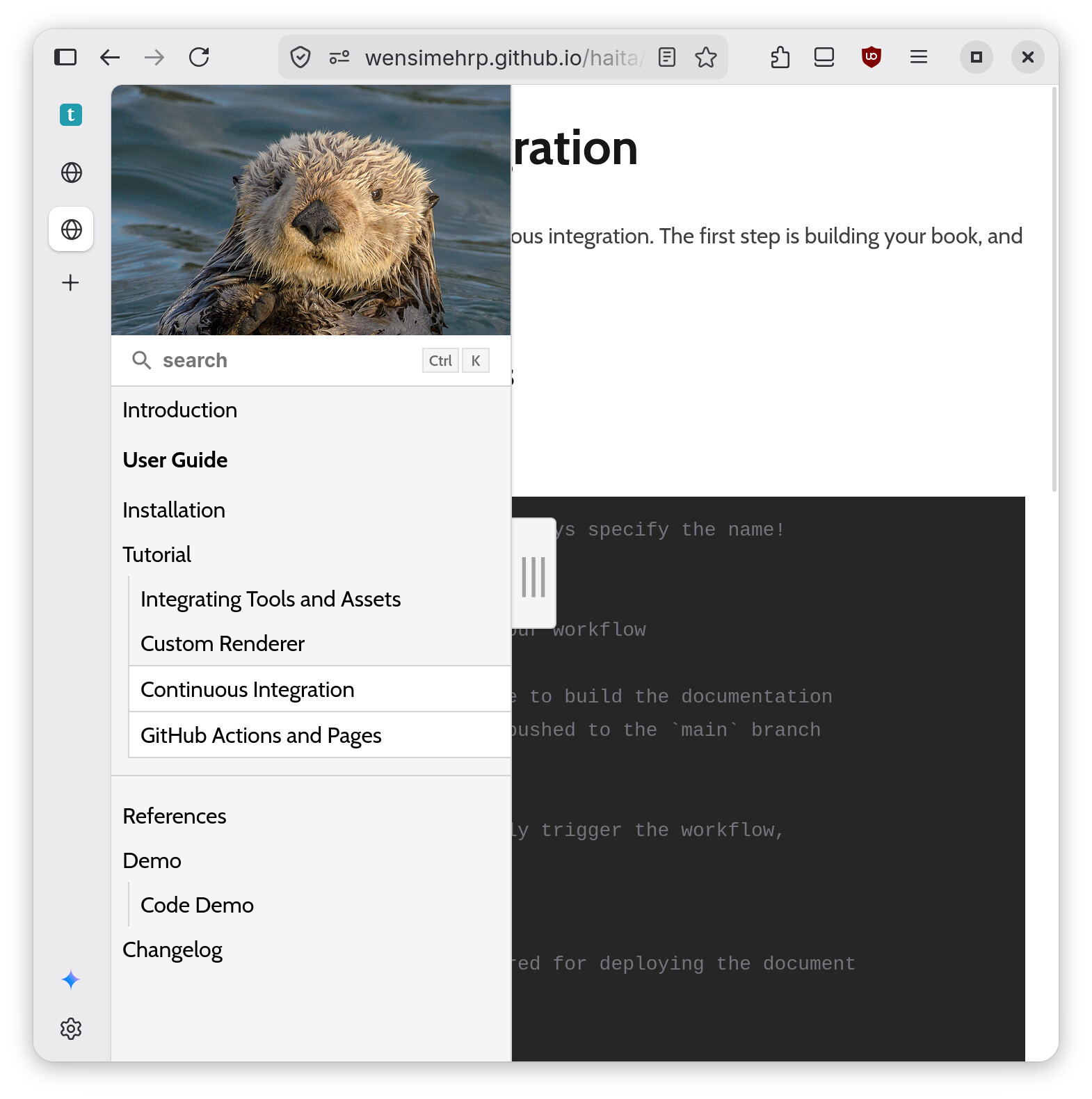
Additionally, you can also install Pagefind and enable Pagefind support in the renderer. Search requires JavaScript.
Hopefully Haita would be available in the universe in a few days. The PR that adds it to the universe is still under review.
TFVIndex
TFVIndex (https://wensimehrp.github.io/tfvindex, repo: https://github.com/wensimehrp/tfvindex) is a reorganization of the icons from http://trainfrontview.net. It provides better layout, built-in search functions that also supports Romaji, and safer connection (since it is https)
I also tweaked the CSS for better layout when printing the page.

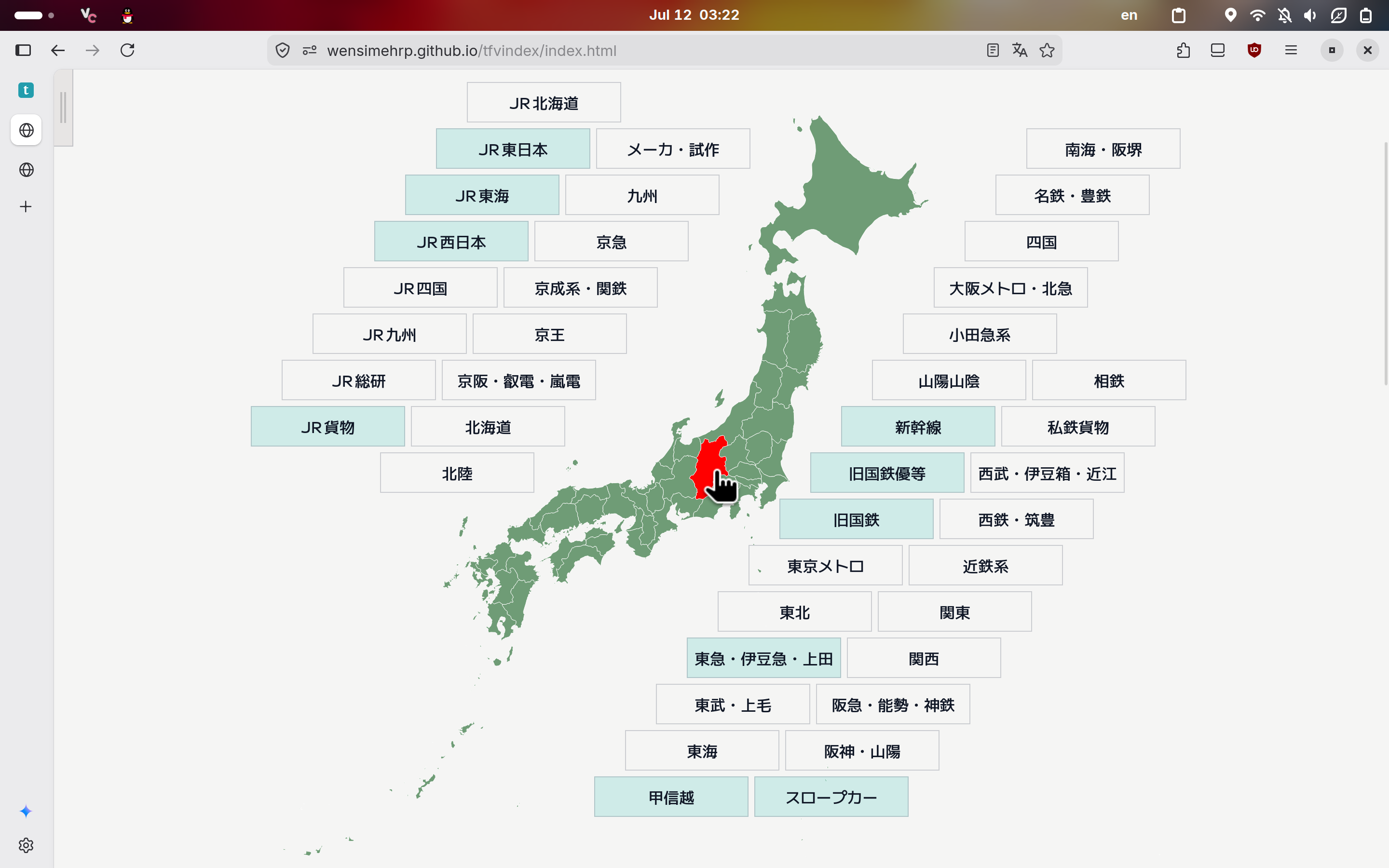
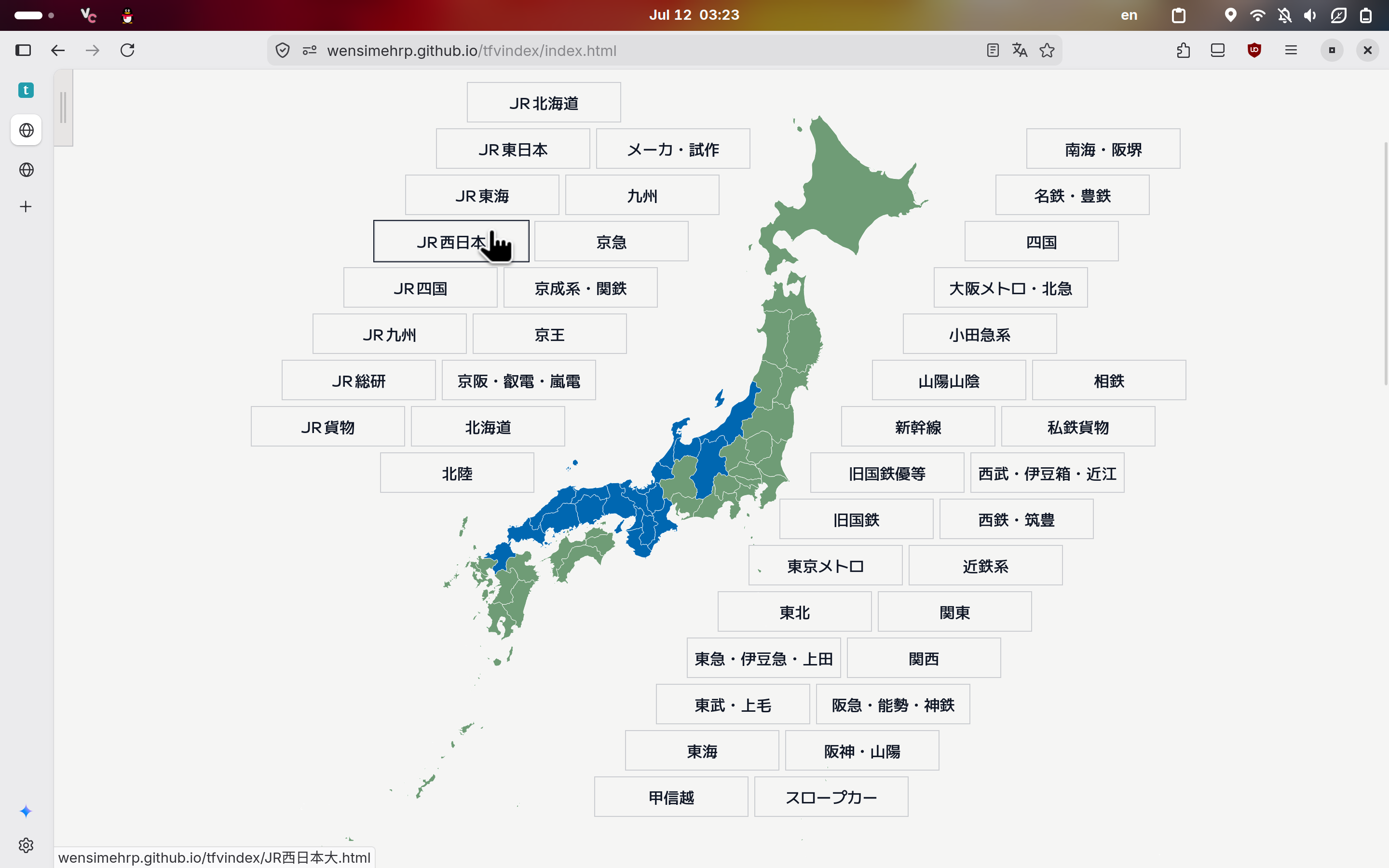
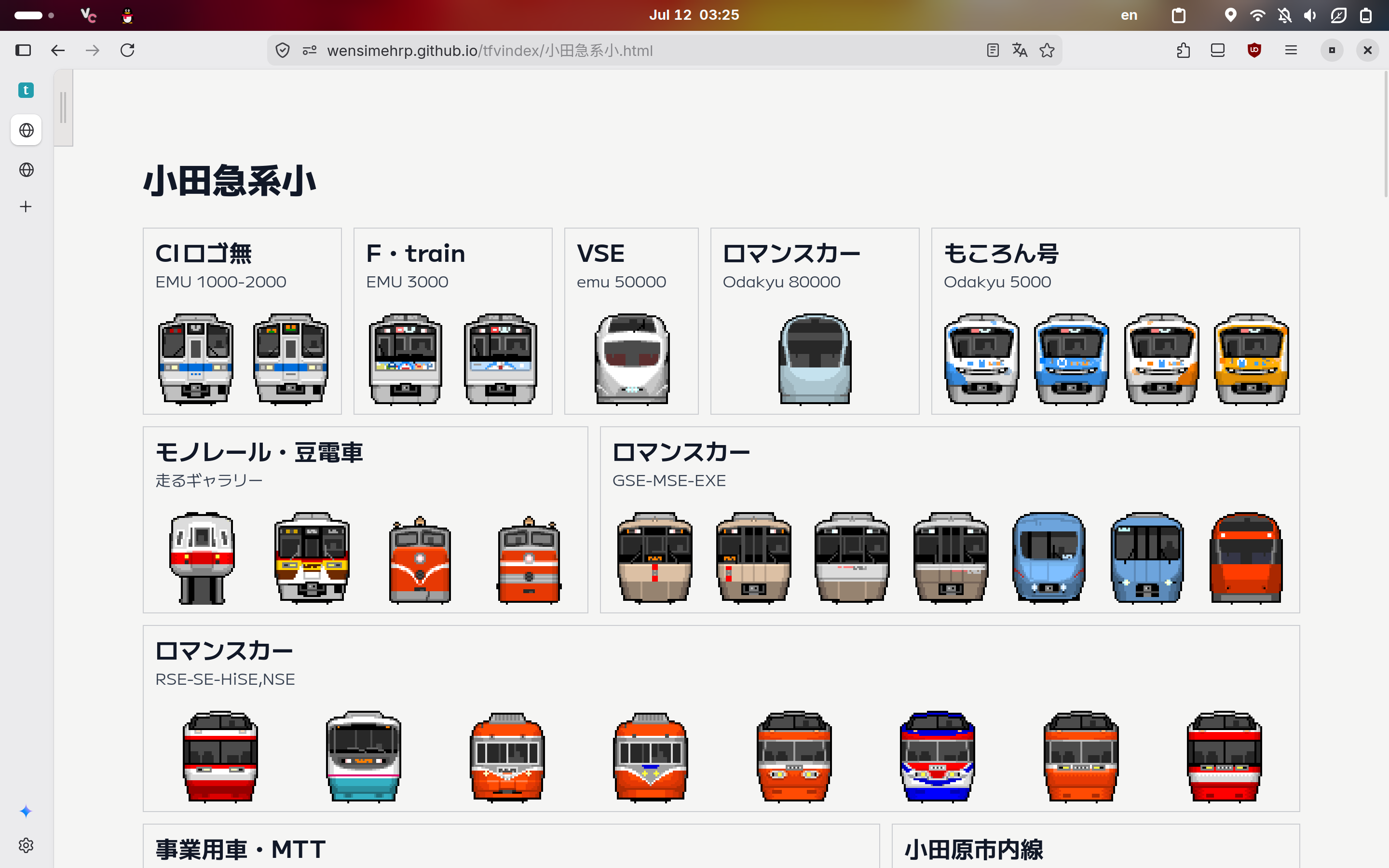
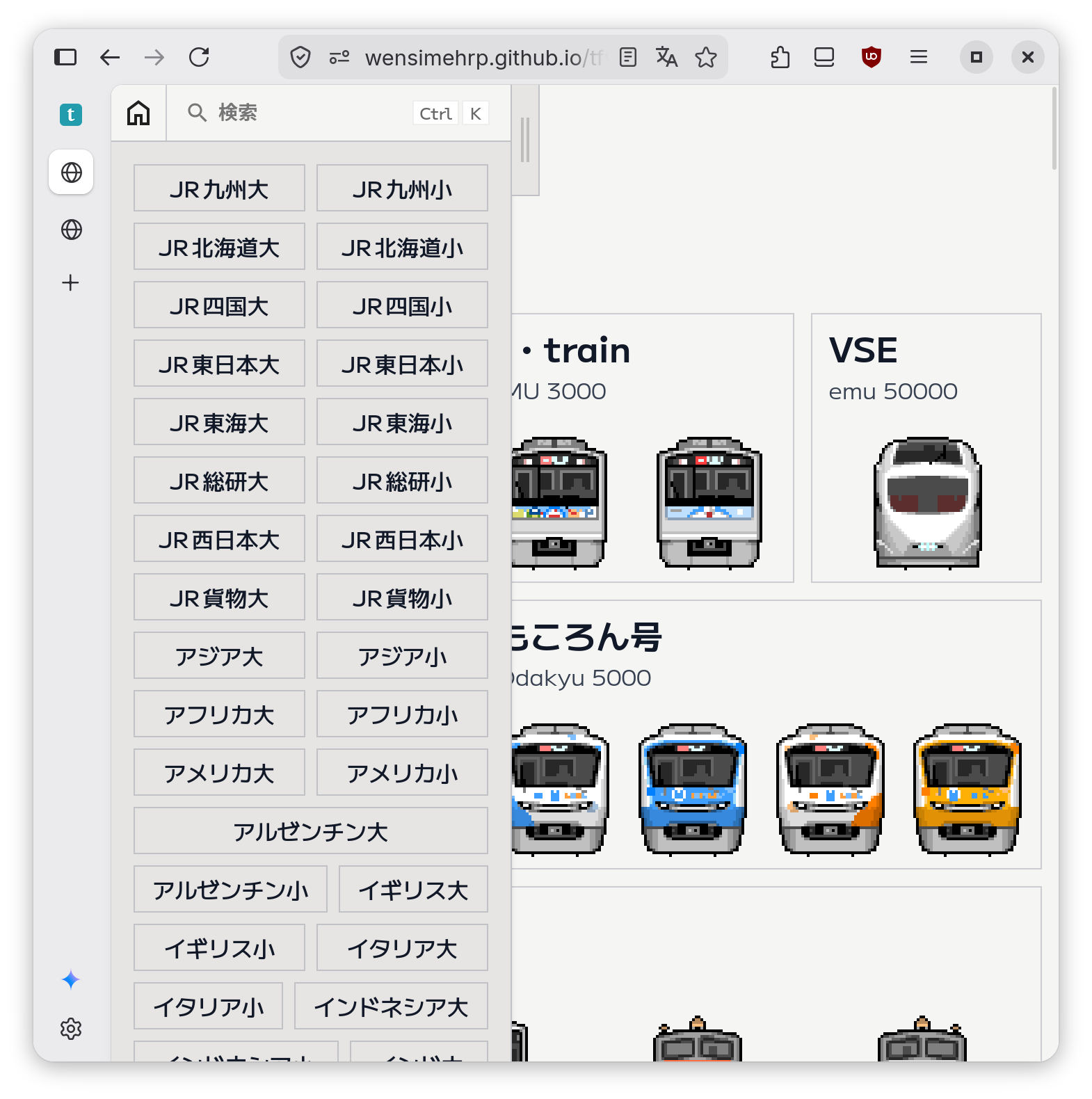
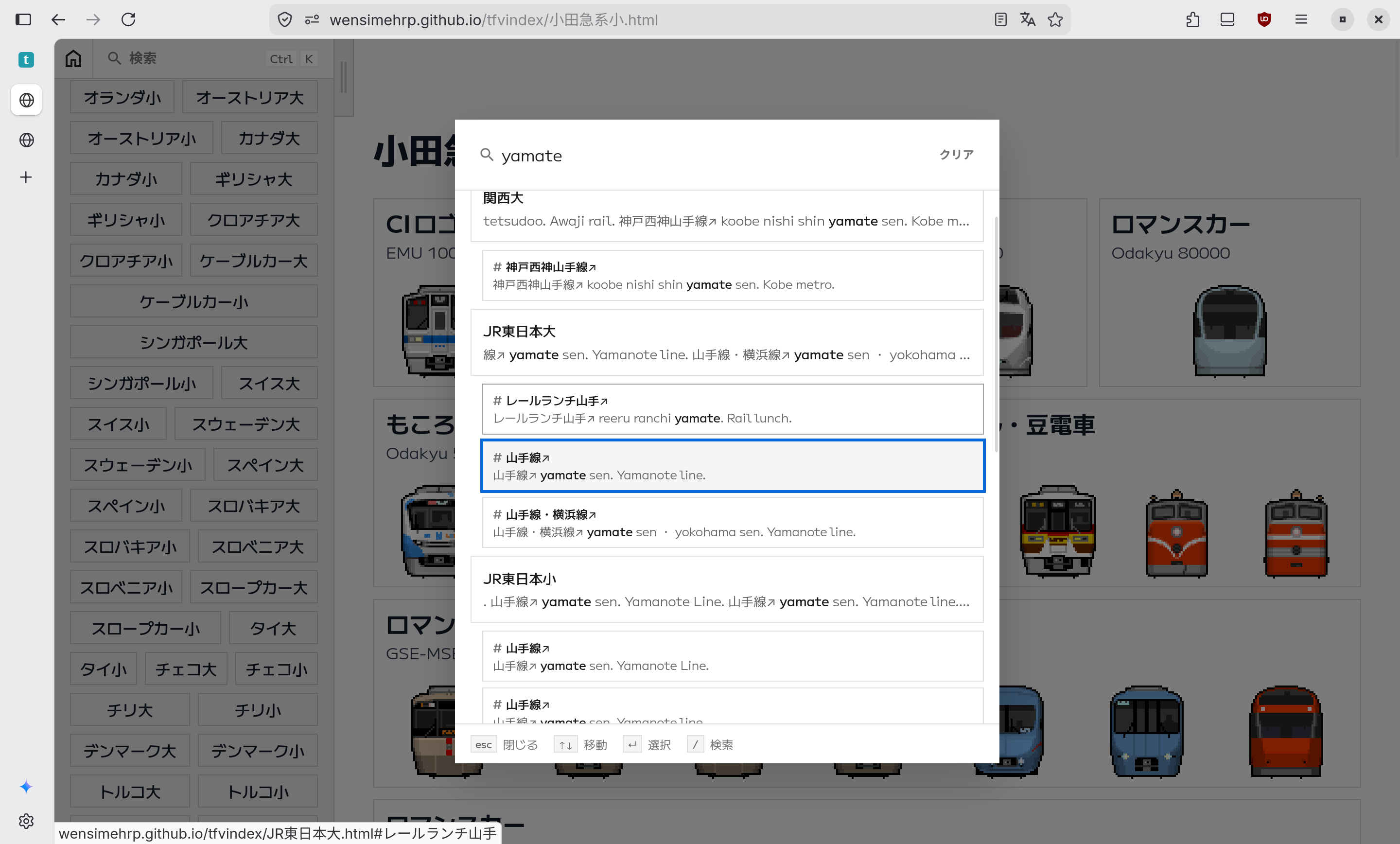
All features except search and side panel state memorization works without JavaScript.
My Blog
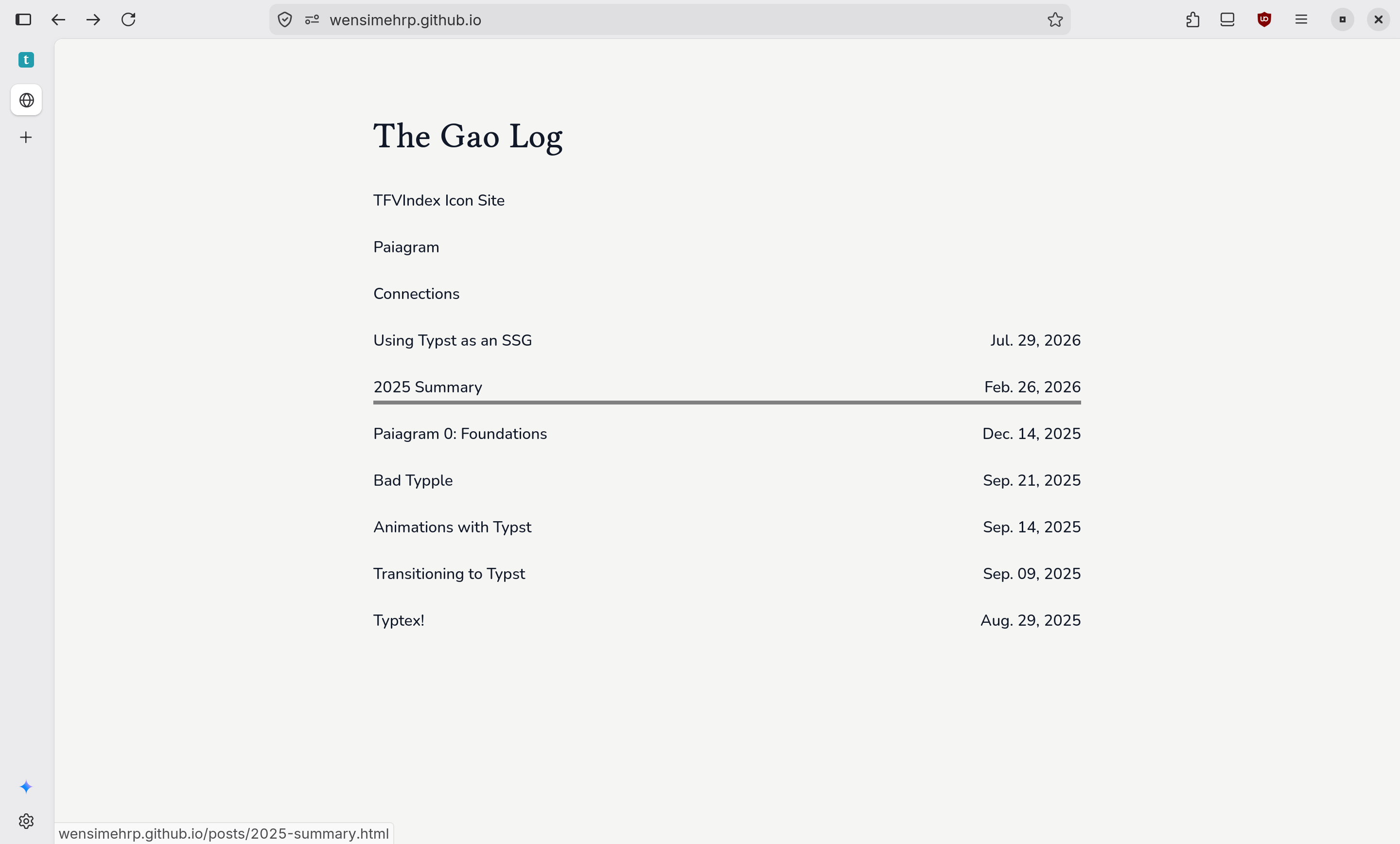
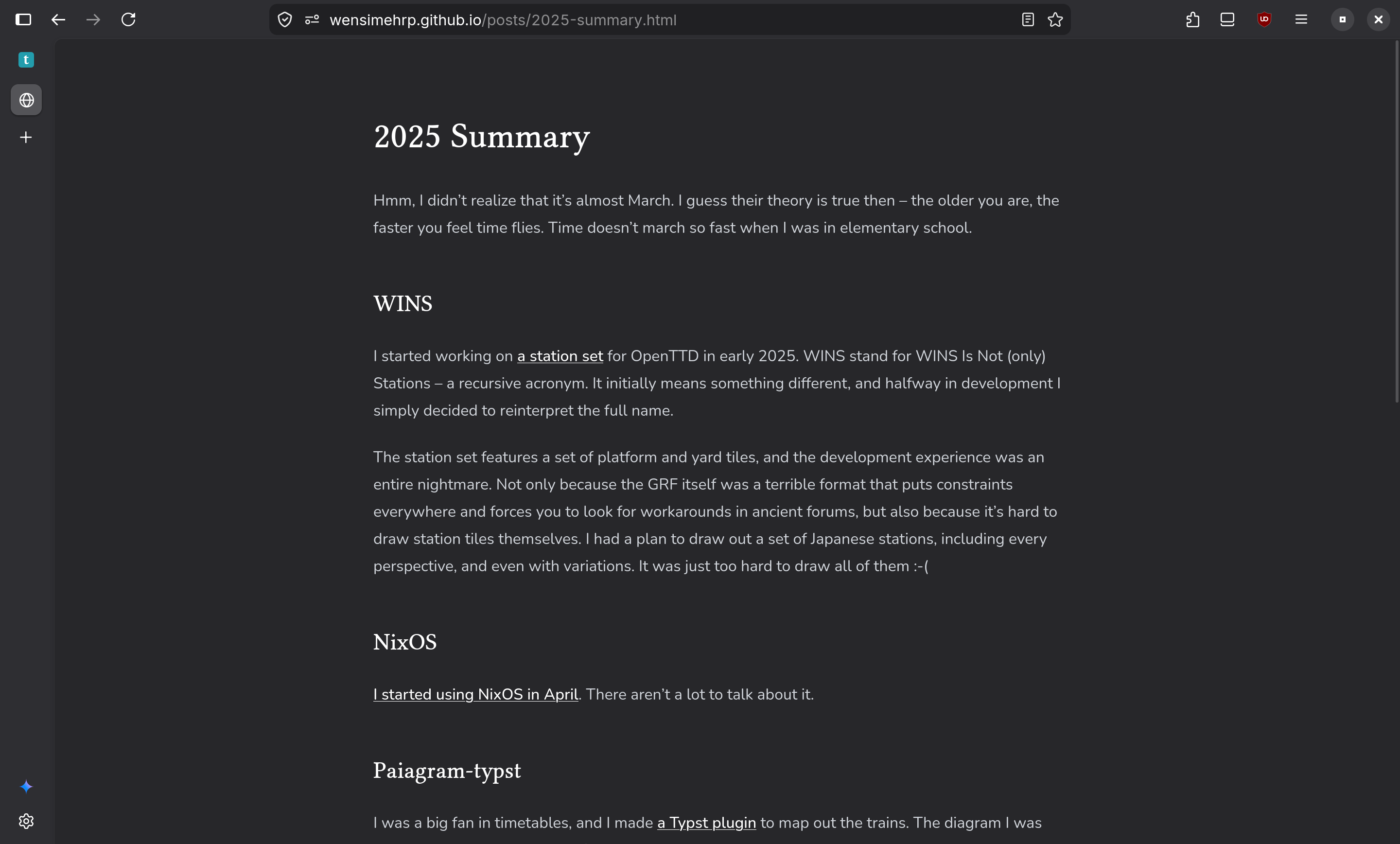
https://wensimehrp.github.io (repo: https://github.com/wensimehrp.github.io)
The entire blog is written in Typst!
How I used Typst to Create the Sites
Typst compiles fast, and supports incremental compilation. The watch subcommand also generates a local development server I can access and preview. This makes development very convenient. Each site I create has a dist.typ file that looks like this:
#!/usr/bin/env -S typst c --features html,bundle --format bundle
// put the shebang and add the execution bit to the file
// so I can execute ./dist.typ and build the site
#import "@preview/typhoon:0.1.2": _plugin
#let classes = state("tailwind-classes", (:))
#show html.elem: it => {
  // collect each elem's classes
  it
}
// generate the styles.css file that contains the preflight
// and reference the styles file in my html
#asset("styles.css", _plugin.generate(classes.keys().join(" ")))
#document("index.html", html.html({
  import html: *
  head({
    link(href: "/styles.css", ...)
    title(...)
    // do some SEO...
  })
  body({
    include "some-content.typ"
  })
})) <home>
I also developed the typhoon package (https://github.com/wensimehrp/tailwindcss-typst) to use Tailwind CSS in my Typst websites.
Overall, I think Typst is a wonderful choice for building simple sites, especially if they involve math blocks. I’ve tried frameworks such as Eleventy and Astro before, yet the way they combined JavaScript and HTML made the syntax weird and sometimes hard to reason about (I’m talking about you, JS ternaries.). Most importantly, I’ve been writing Typst documents for a very long time, and I am more used to its syntax.
That being said, it is hard to integrate Typst with the rich frontend ecosystem and certain post-processing tools (such as Pagefind, which I used in two sites). It couldn’t use packages from npm (unless using a CDN); HTML typed interfaces don’t accept extra attributes, which are sometimes required by certain libraries; elements that accept hrefs or links also don’t accept labels, which means that I needed to manage paths manually. To me, there should really be a <label>::realize function that turns a label into an str path. Nevertheless, I still look forward to Typst’s future development in HTML export.