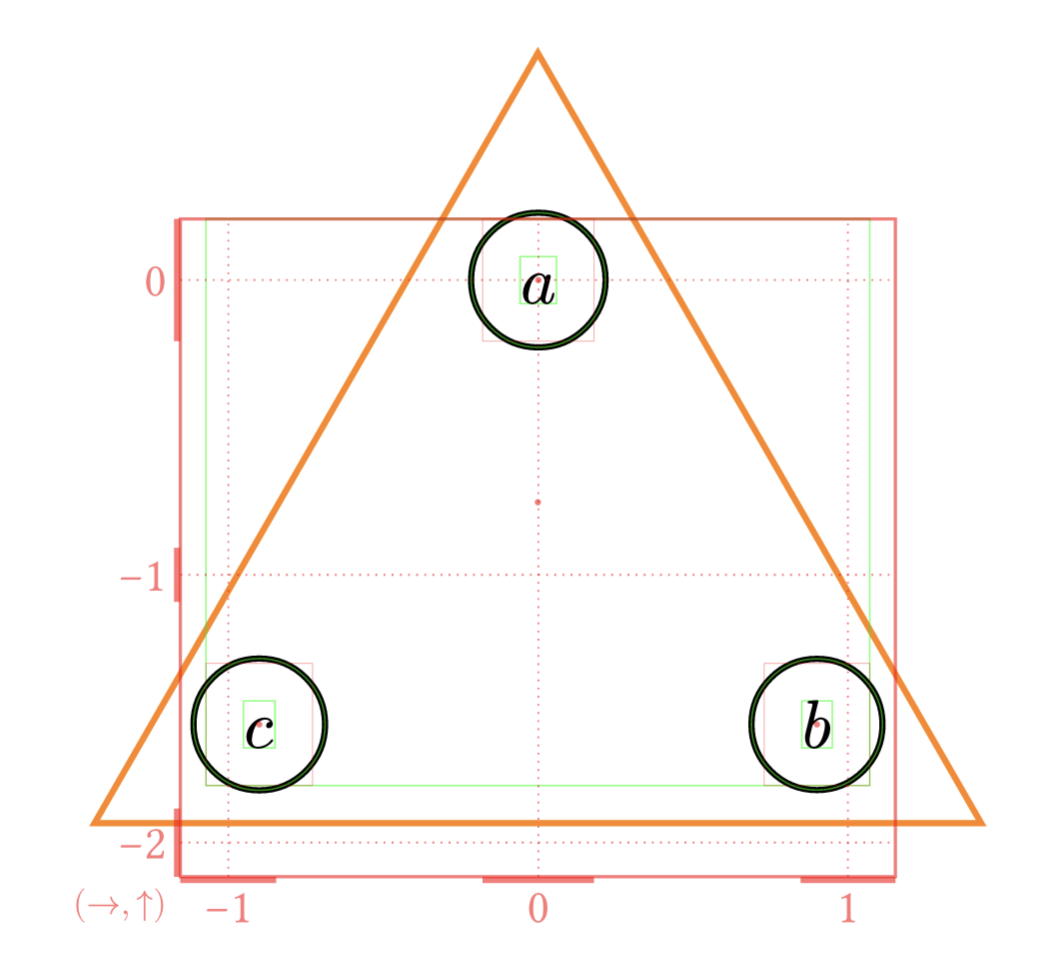
The following Typst fletcher code
#set page(
  width: auto,
  height: auto,
  margin: 2mm,
)

#import "@preview/fletcher:0.5.8" as fletcher: diagram, node, edge, cetz
#import fletcher.shapes: circle, pill, diamond, triangle

#diagram(
  debug: 3,
  node-shape: circle,
  node-outset: 0mm,
  node-fill: none,
  node-stroke: black,
  axes: (ltr, btt),
  let inn-dist = 1.8,
  let h-dist = 4.5,
  let v-dist = 2.5,
  // Vertex A
  node((0, 0), $a$, name: <a>),
  node((inn-dist*calc.cos(60deg), -inn-dist*calc.sin(60deg)), $b$, name: <b>),
  node((-inn-dist*calc.cos(60deg), -inn-dist*calc.sin(60deg)), $c$, name: <c>),
  node([], enclose: (<a>, <b>, <c>), stroke: orange, shape: triangle,),
)
produces the following plot:
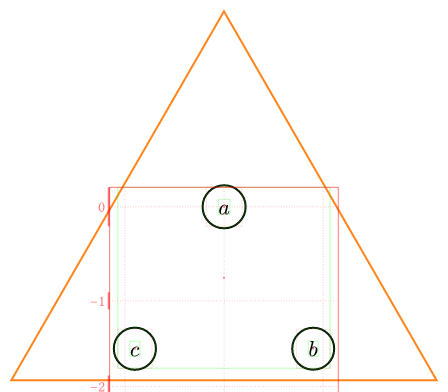
I was trying to use the enclose option to easily create a triangular contour around the nodes a, b, and c, but for some reason, the contour is way too wide and high, despite wrapping fairly tightly the bottom of the bottom nodes.
I have tried adjusting things like the inset and outset of that node, but it doesn’t do anything. Does anyone have a solution and/or explanation for why the enclose node is wrapping so loosely?