Calepin: Website builder for Typst

Hi all!

Two weeks ago, I released Calepin, a tool that could turn a standard Typst file into a computational notebook, in the spirit of Quarto or Jupyter.

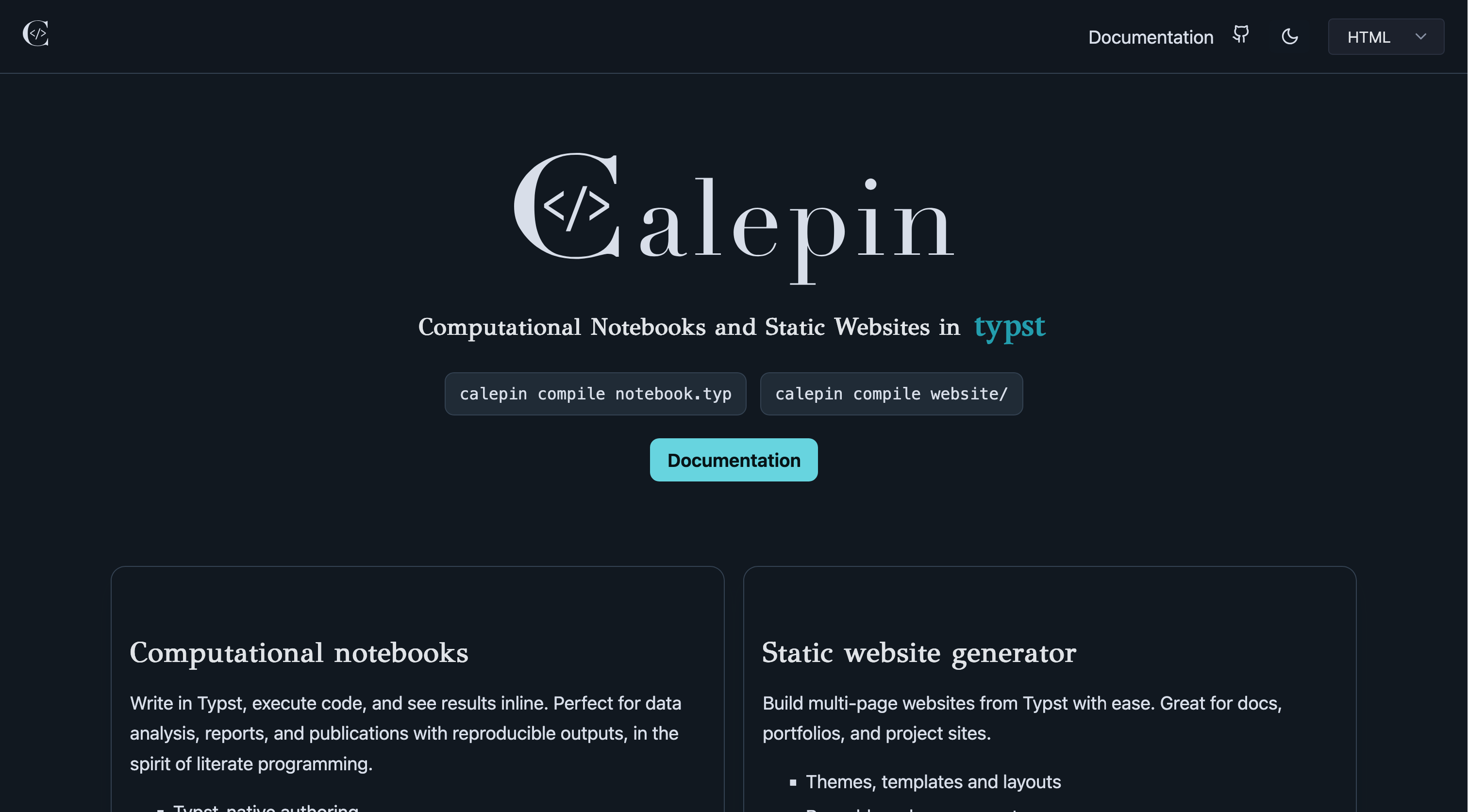
Today, I am pleased to introduce the second major feature of Calepin: static website generation. Think Hugo, Jekyll or Astro, but in Typst.

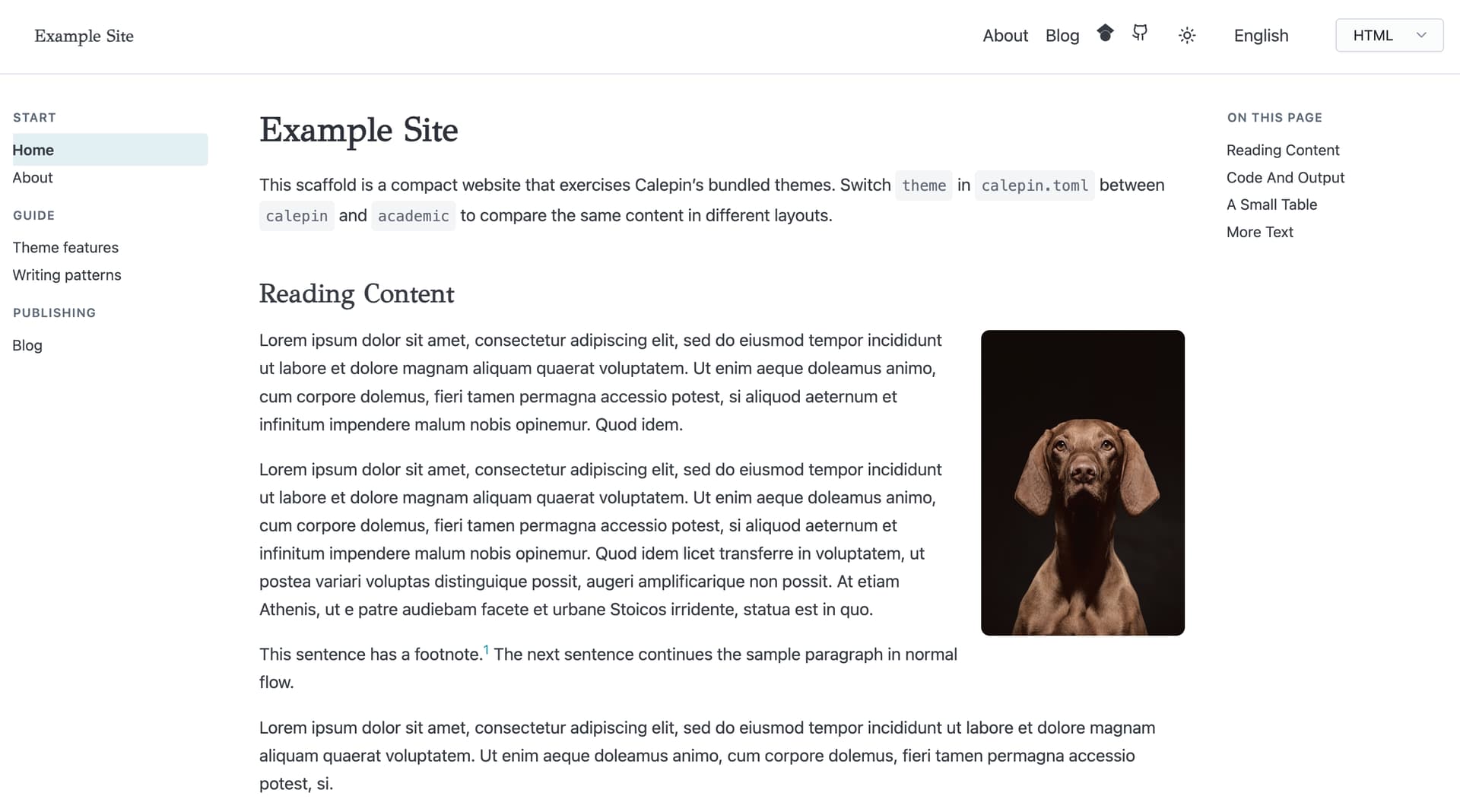
This means that Calepin can now take a directory of ordinary .typ files and turn it into a complete website: HTML pages, optional PDF versions, navigation, feeds, search, assets, and all the small files that you need to share your site.

(Note: the website linked above was entirely written in Typst!)

The websites that Calepin generates are “static,” so they don’t require complex server-side infrastructure. You can just upload the files to Github, Netlify, an S3 bucket, or a simple web server. It should just work.

Notable features include:

  • Pure Typst authoring
  • Navigation
  • Search
  • Local server for live preview
  • Incremental builds for fast render
  • Themes: Built-in or customized with Jinja partials
  • Blog-friendly metadata and feeds
  • Multilingual websites
  • Light and dark modes
  • Web components: Cards, galleries, lightboxes, code blocks, margin notes, etc.
  • Minification for html and css

I like Typst because it is a coherent and powerful writing system. The notebook feature made Typst useful for computation-heavy and reproducible documents and reports. Static website generation extends the same idea to publishing. A Calepin project can now be a research note, a report, a course website, a software manual, a blog, a slide deck, and a computational notebook, all with the same source language and the same command-line tool.

Please submit bug reports and feature requests on the Github repository. And I’d love to review Pull Requests if you are interested in contributing!
8 Likes

Congratulations, this looks very useful!

I was wondering whether you have considered integrating WebR (WebR - R in the Browser) to enable R code execution directly in the browser.

This is already possible with Quarto through Quarto Live and WebR:
https://r-wasm.github.io/quarto-live/getting_started/installation.html

Since Calepin already supports computational notebooks and static website generation, it seems like a natural fit for tutorials, demonstrations, and interactive documents that can run entirely on the client side, without a server or a local R installation.

Is this something you are considering, or are there technical constraints in Calepin’s architecture that would make such an integration difficult?

I ran into an issue when trying to compile a .typ file with the binary installed via the official installer. The error was:

  Error: failed to read /Users/runner/work/calepin/calepin/calepin/src/assets/typst-runtime

  Caused by:
      No such file or directory (os error 2)

The path /Users/runner/work/calepin/… is the absolute path of the GitHub Actions runner where the binary was compiled. It seems the typst-runtime asset directory is referenced at build time as an absolute path rather than being embedded into the binary, so the released build only works on the original CI machine.

Workaround: building from source fixes it immediately:

cargo install --git https://github.com/vincentarelbundock/calepin calepin --force

Ooops, sorry about that! Should be fixed in 0.0.22. If it isn’t, please open an issue on Github and I’ll look into it.

Thanks for trying it. I really appreciate you taking a look!

1 Like

This is a really interesting suggestion!

In think in principle it should be possible to do this by writing a new “engine”. I don’t think it would be super difficult, but it’s not trivial either.

For now, I’d like to take a pause and consolidate what we have. Development has been very fast, so I’ll focus on cleaning up the code base, hunting bugs, and making sure corner cases are handled.

But WebR is a super interesting feature idea, and I opened an issue on Github so I don’t forget it.

Thanks!

2 Likes