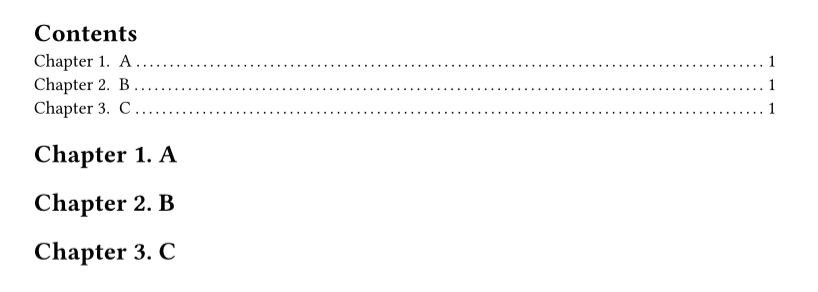
As expected, “Chapter” does not appear in the table of contents. The documentation recommends changing the construction of table of contents lines using the following construction:
#show outline.entry: it => link(
  it.element.location(),
  it.indented(it.prefix(), it.inner()),
)
But how do I add the prefix itself? I can’t fit anything inside the parentheses.
In this case I’ve added a block around the heading again (the show rule), which could of course be removed if it shouldn’t be there.
If you always refer to these headings using the Chapter prefix, then I think you can include the word Chapter in the heading numbering itself. It depends on what you want references to labelled chapters to look like.