When I’m trying to assemble a paper, I sometimes define headings that are redundant for the reader, but I use them as a point for <labels> so I can link back and forth across the document. I want to hide them from the main layout, but hiding leaves a space between the paragraphs. Is there a way to eliminate this white space?
Hi @siainbuletin ,
Would you share a code snippet for inspection? There are a few ways spaces can hide around and this would save some time and explanations.
The hide function will create whitespace that is as large as the body passed to it.
box(place(hide(..))) might work, but I’m not sure due to the lack of background information.
If you just want to put a label, then metadata might be simpler.
Hi @vmartel08 and @Y.D.X!
Here’s the context for what I want exactly.
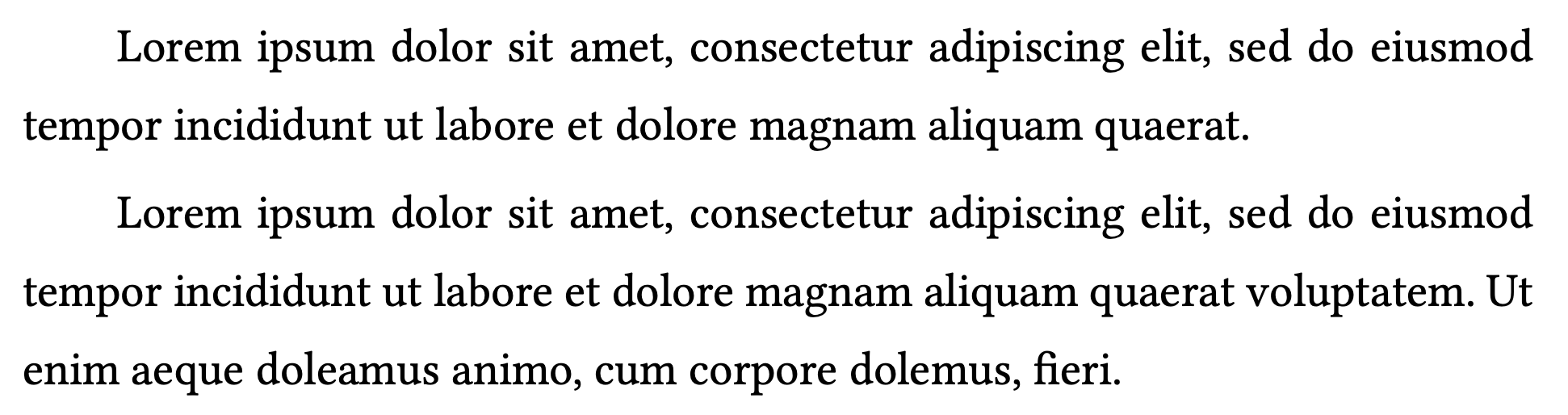
This is how the paragraphs would look like, ideally:
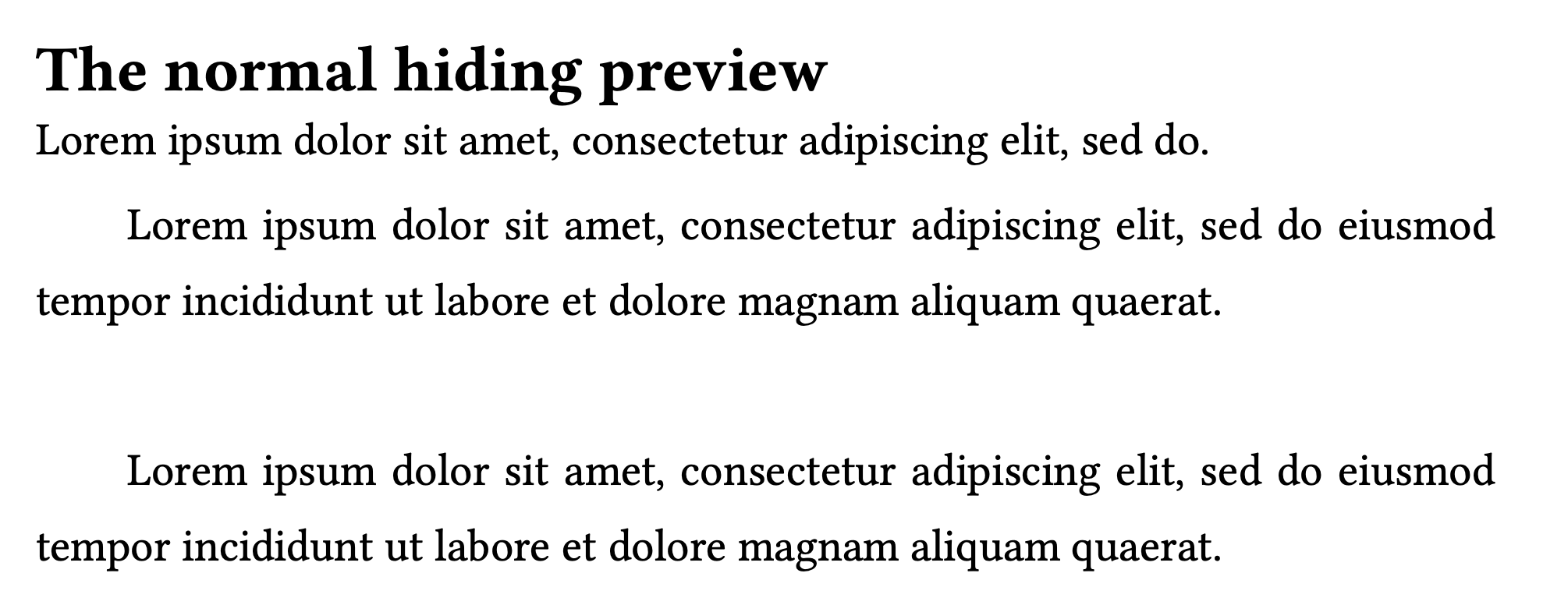
By using the normal #hide() function for a heading, I am left with this spacing:
#lorem(20)

#hide("== This is the heading I want to hide")

#lorem(20)
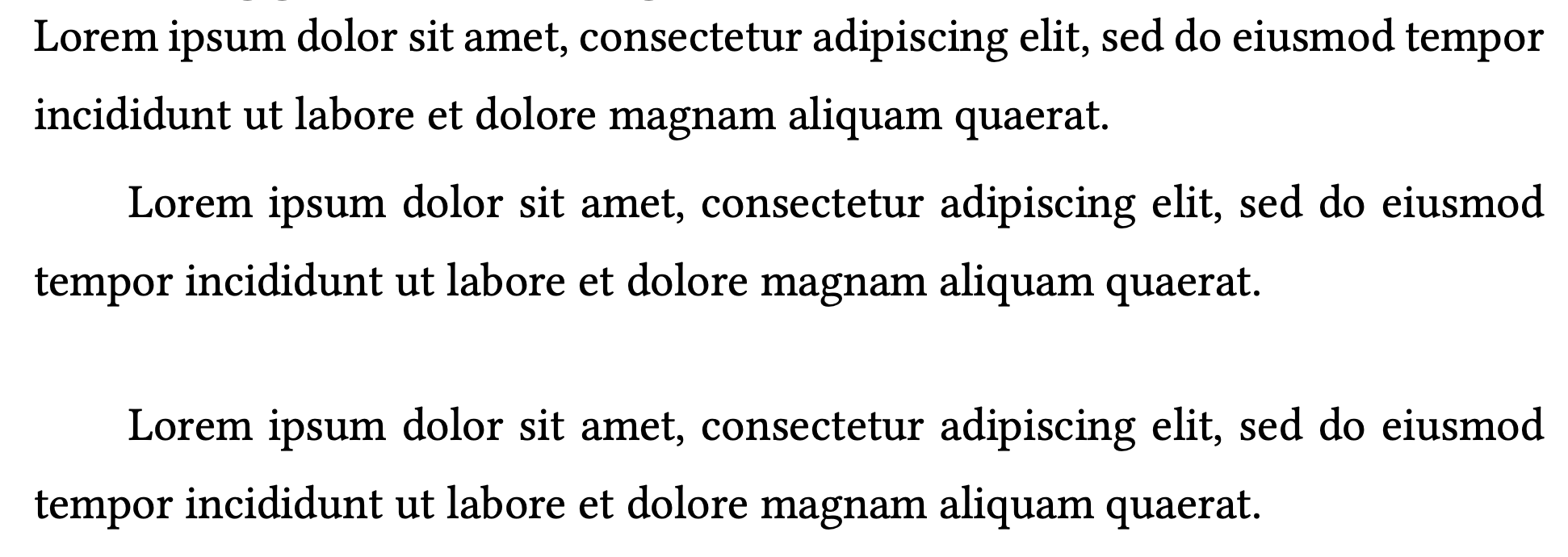
This is the reduced space that I get if I use the suggestion provided by @Y.D.X, which is still too large.
#lorem(20)

#box(place(hide("== This is the heading I want to hide")))

#lorem(20)
I also came across the possibility of hard-coding a negative value for the vertical space with something like #v(-13pt), but it didn’t actually produce any results.
For the time being, since it’s more important for me to make use of the label than using both the label and the heading, I’ll try to understand how the metadata function works. But it would be nice if I could avoid this spacing. Sometimes I want to hide more headings before sending the compiled PDF out for someone else to read, and it would save me a lot of rewriting and reformatting before that moment.
The solution proposed by @Y.D.X works, but that breaks either the numbering of the headings (adding one if the hidden heading is level 1) or makes a weird reference.
How do you intend to display the links?
#set page(paper: "a7")
#set heading(numbering: "1.1.1", supplement: none)

Link to @h1 and @h2

Link to @secret1 // and @secret2 // can't be referenced - error

= Heading1 <h1>
#lorem(15)
//Hidden -> #box(place(hide[= Heading <secret1>])) // breaks the numbering
Hidden -> #box(place(hide[== Heading <secret1>]))
#lorem(25)
= Heading2 <h2>
#lorem(25)
Another one#label("secret2") // can't be referenced - error
Edit: I don’t believe we can reference metadata
Edit2: But we can link it as mentioned by @Y.D.X . See below.
Referenceable elements include headings, figures, equations, and footnotes.
Which one in your example is secret2? I think you’ve used secret1 twice
(A metadata can’t be referenced, but it can be linked: #link(<label>)[See above])
Indeed. I stand corrected.
This works:
Link to #link(<note>)[Go to secret place]

#lorem(75)
#metadata("This is a note") <note>
#lorem(75)
Let’s delete all the previous posts and restart the discussion 
btw: it is possible to reference metadata, if you write a show rule for it:
#show ref: it => {
  if it.element != none and it.element.func() == metadata {
    // do whatever here using it.element
    link(it.element.location())[_referencing metadata with value_ «#it.element.value;»]
  } else {
    it
  }
}

#set heading(numbering: "1.1.1")
= Foo <heading>
#metadata("Bar")<metadata>
- heading: @heading
- metadata: @metadata

(This is used, for example, by my package theoretic – Typst Universe to enable convenient refences without having to wrangle figures)