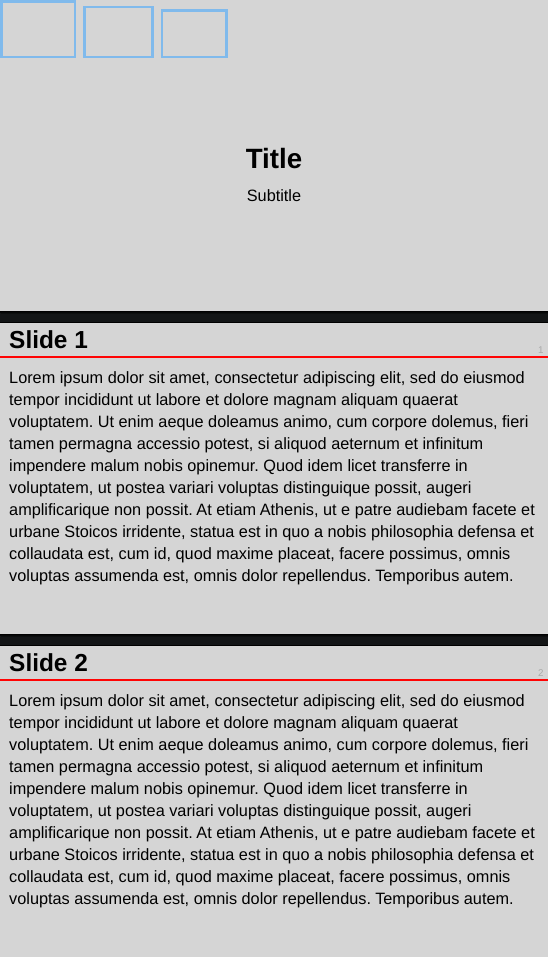
Hi guys. I am trying to setup Touying based on an internal .pptx template so I can (hopefully) more easily produce slides.
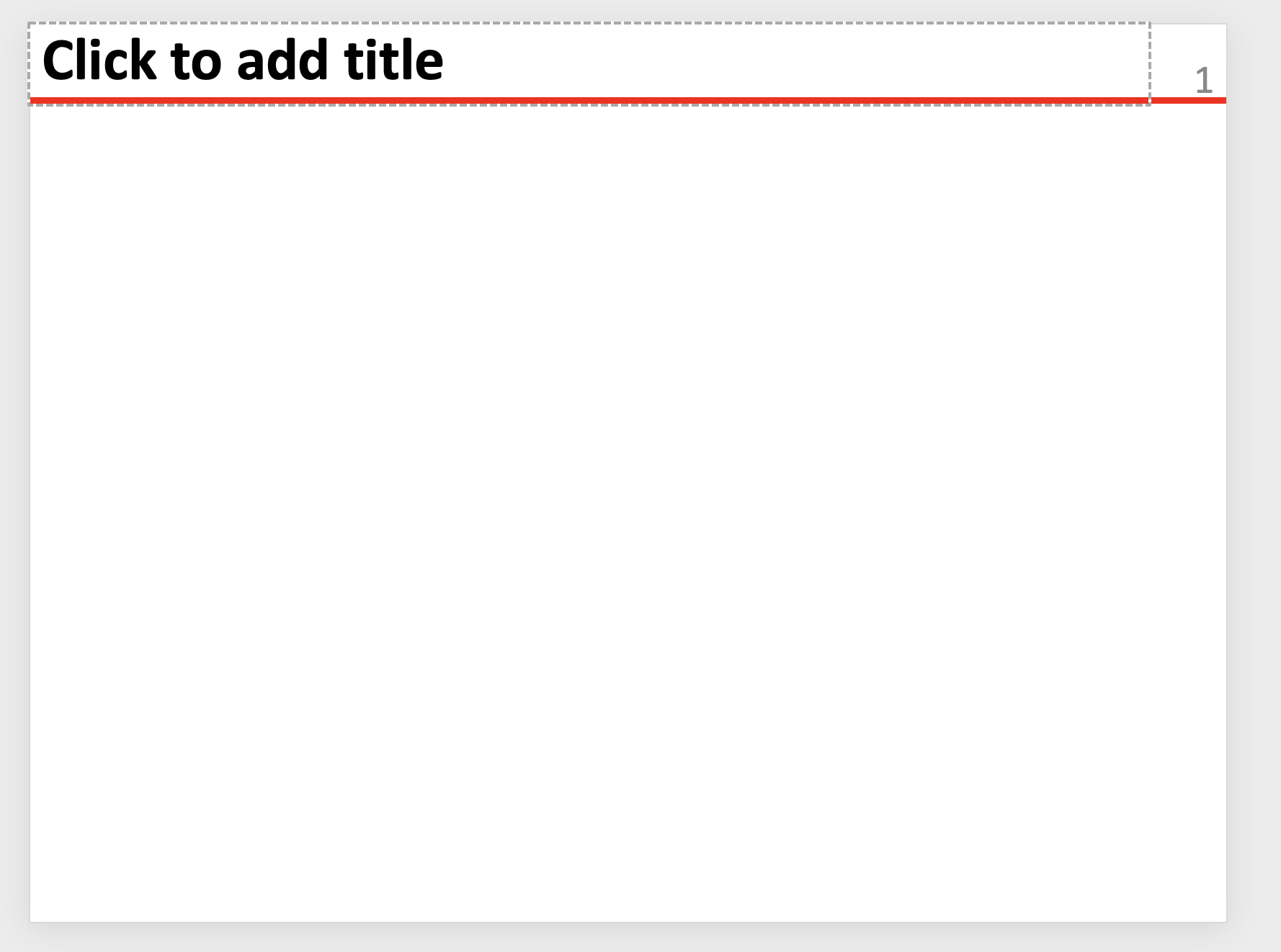
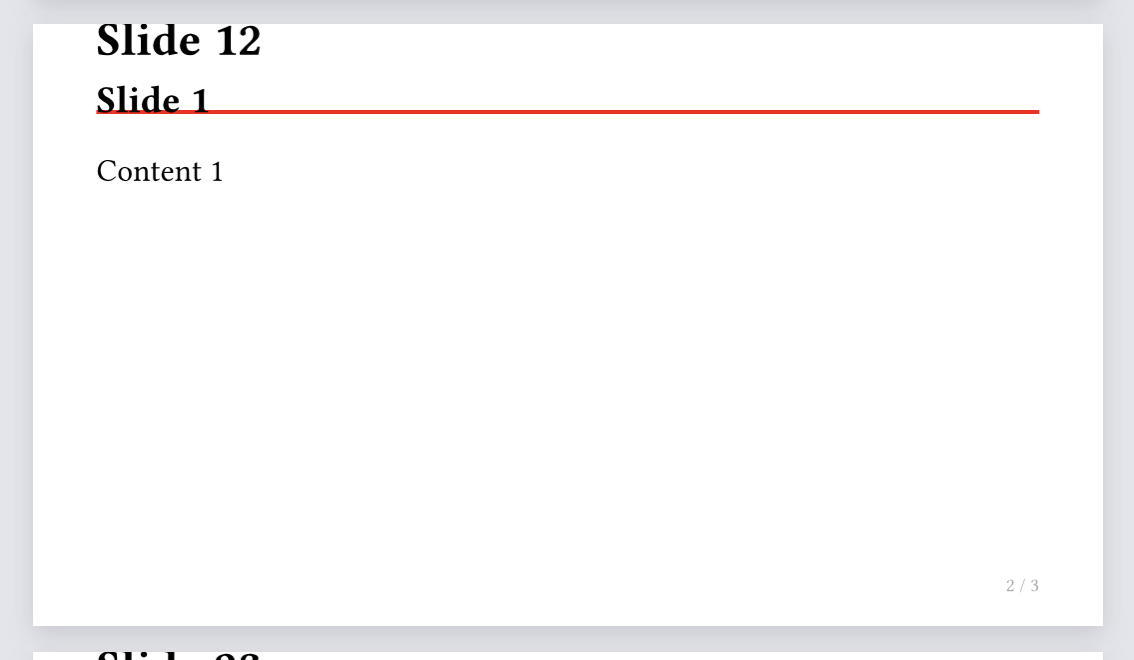
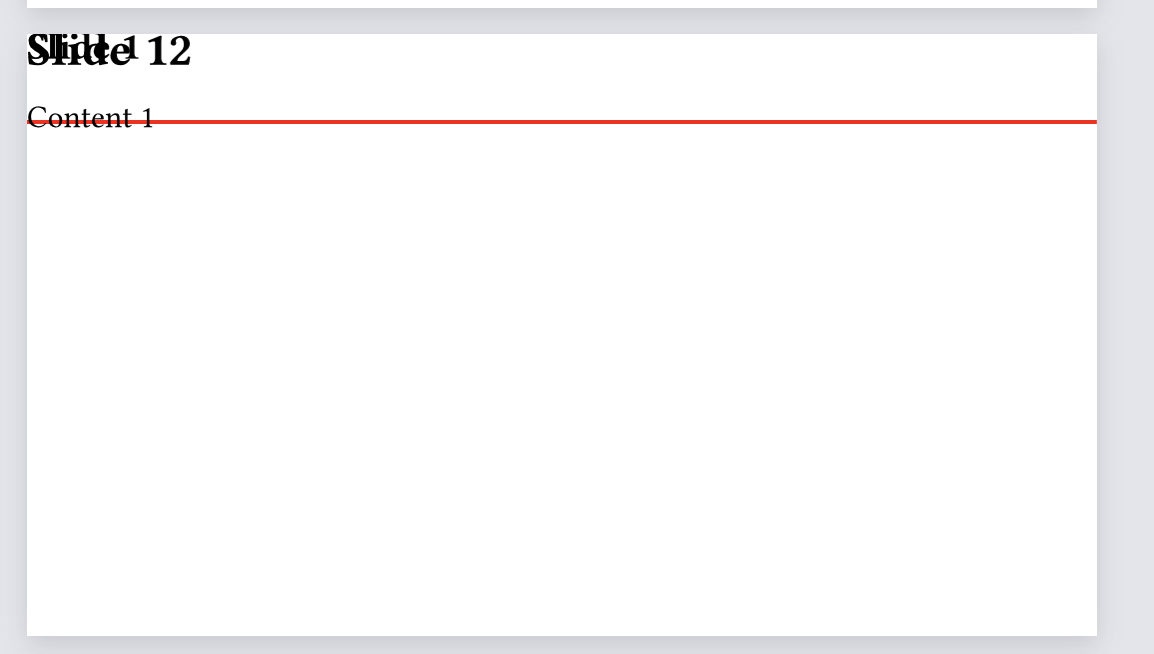
This template is very simple, but I am having a lot of trouble adjusting the simple theme to be compatible with it. Essentially it consists of a header with the slide title in bold justified to the left, the slide number justified to the right in neutral colors, and a colored bar on the bottom. The slide should have no margin whatsoever.
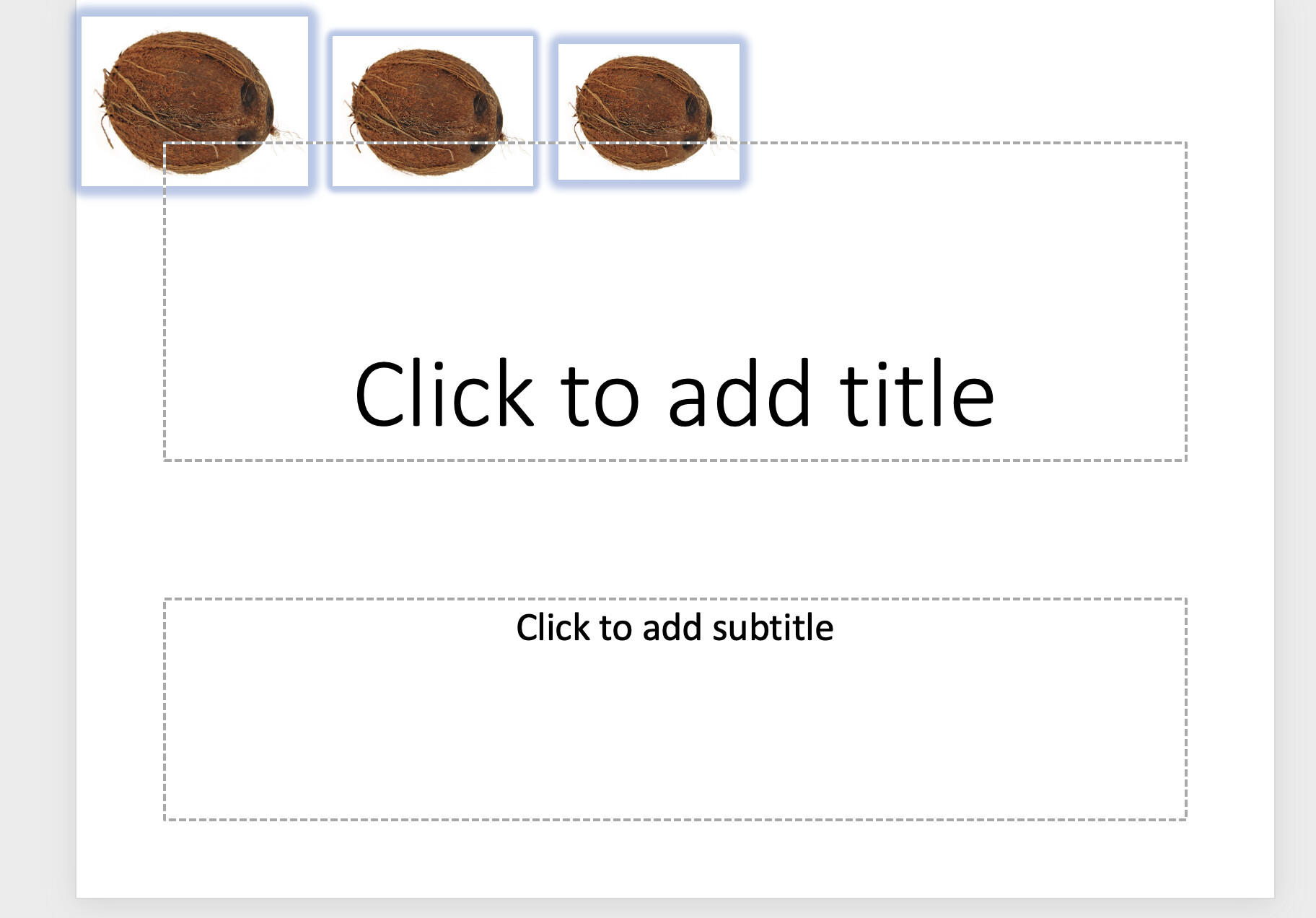
The first slide essentially requires a header with three images justified to the left, with the title and subtitle on the center. The latter is already given by simple theme but that is about it.
This is not how it works, nor how presentations work in general. You clearly have some padding around all text boxes and just in general for the main slide text. This contradicts with your reproduction goal.
Hi Andrew!!! That seems perfect. Thank you so much!!! Would you mind telling me how you learned to be so good at Typst? Is there any study material you recommend?
This is not how it works, nor how presentations work in general. You clearly have some padding around all text boxes and just in general for the main slide text. This contradicts with your reproduction goal.
Yeah, you are right about that… It is just that the margins are pretty tight and there are no margins on the line or the figures.
Practice makes perfect. I’ve been using it probably weekly (sometimes daily) for almost 3 years and solved hundreds of different Questions. I’m also a coder, so Typst code is pretty cool to work with, automate stuff, etc. With enough enthusiasm, perseverance, practice, and time you can become just as good.
Thanks for the praise regarding the docs, most goes to orangeX4.
If you feel like stuff is missing, we are always happy to have more input.
And we are still working on getting the docs up-to-date with all the features, some quirky things however are better described in a longer form like here.